OK, I was able to find the files in the .suite folder in my old project, copied them over and everything works fine now. Thanks.
I need the metadata and options that I chose when creating the entities in ABP Suite. I don't want to go backwards and try and create from a db, that will definitely cause problems in a project this size.
There must be a location where this metadata is stored, how else do you load it into ABP Suite? Where can I find this data, so that I can continue working just as I left off.
Thanks,
Karim
Hi,
I just upgraded an older 8.0 project to the new 8.2 (rc5 at the time). The old project didn't have much UI, but I did have 50+ entities that I had generated code and UI for using ABP Suite. This code I wanted to keep obviously. So, I created a brand new 8.2 project with the same project name ( ESv2 ), in a new folder. Then moved all the old generated code into Domain / Shared / Application Contracts etc. Made other changes in order to get the project to work, and everything is working fined now.
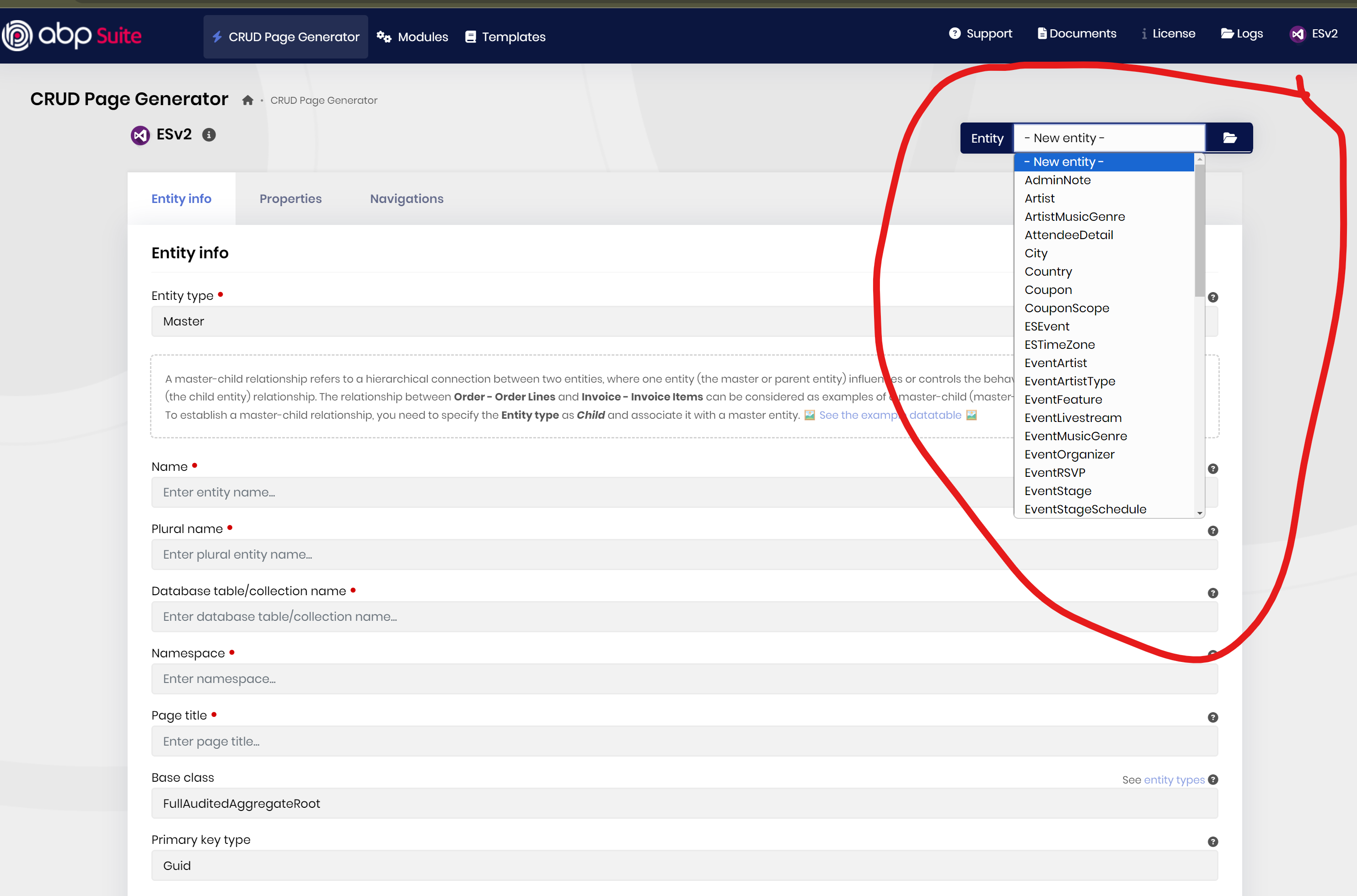
However I would like access to all of my old entities somehow in ABPSuite, so that I can modify / regenerate if need be. Where would this list be stored / located? How would I move this metatdata from the old ESv2 project in ABP Suite to the new ESv2 project?
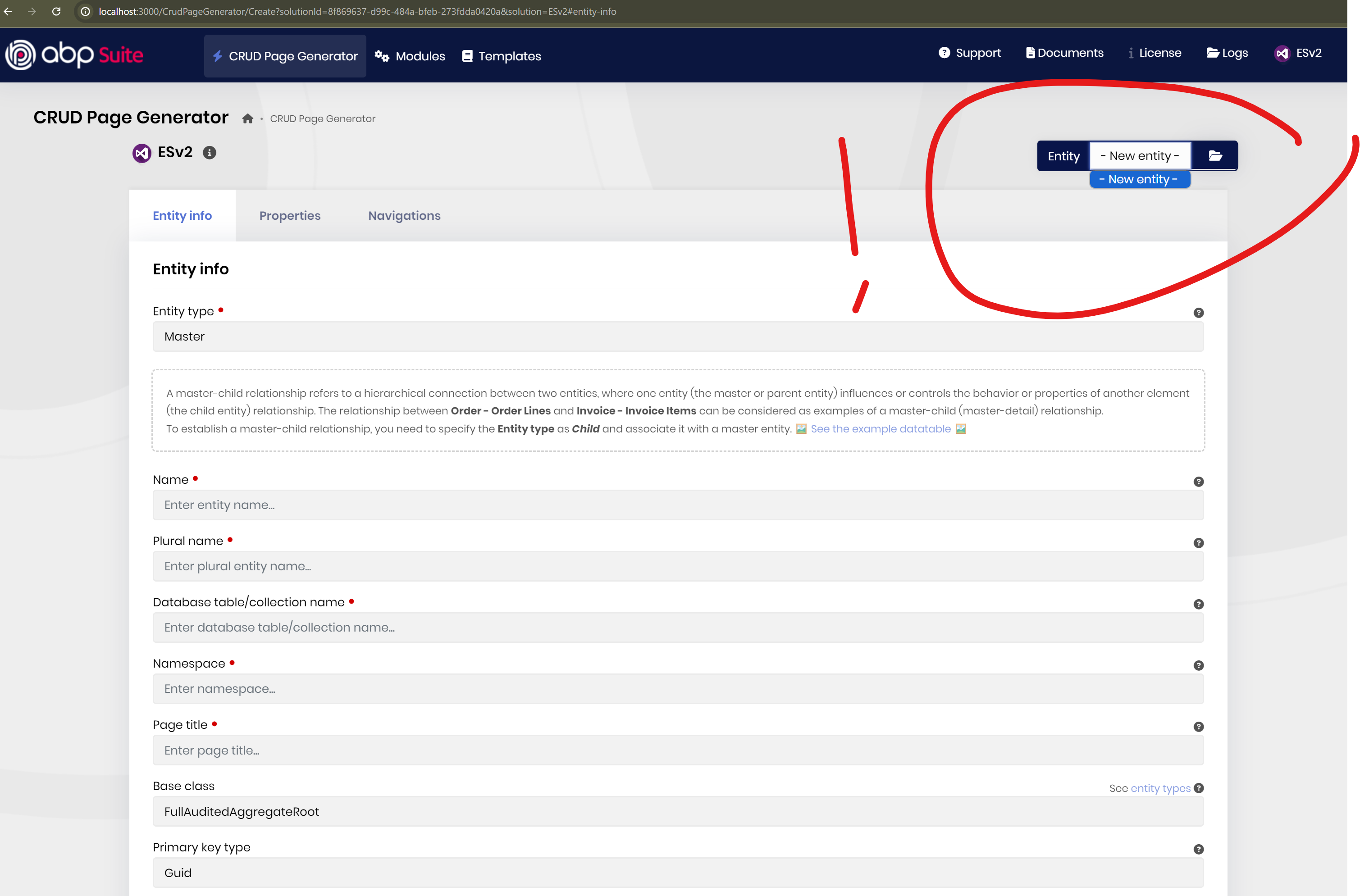
Here is a screenshot of the new empty ESv2 project :
and the old one, with Entities:
Many Thanks,
Karim
Hi,
Sorry, I had hidden the toolbar previously with some CSS, everything is working as it should now.
Thanks for your help with this, you have been very helpful and patient. Everything is now looking good, I will close the ticket.
Karim
OK I think I have the right control now, however it is not rendering, either in desktop or mobile view. I only want this to show in Mobile anyway, is there somewhere I need to add the tag? If I do add the tag at the top of my MainHeader component it renders, but I need this to render on Mobile at the top of the UI as it should be. Any ideas?
@using Volo.Abp.DependencyInjection @using Volo.Abp.AspNetCore.Mvc.UI.Layout @using Volo.Abp.AspNetCore.Components.Web.LeptonXTheme.Components.ApplicationLayout.Common
@inherits Breadcrumbs @attribute [ExposeServices(typeof(Breadcrumbs))] @attribute [Dependency(ReplaceServices = true)]
<strong>TESTING</strong>
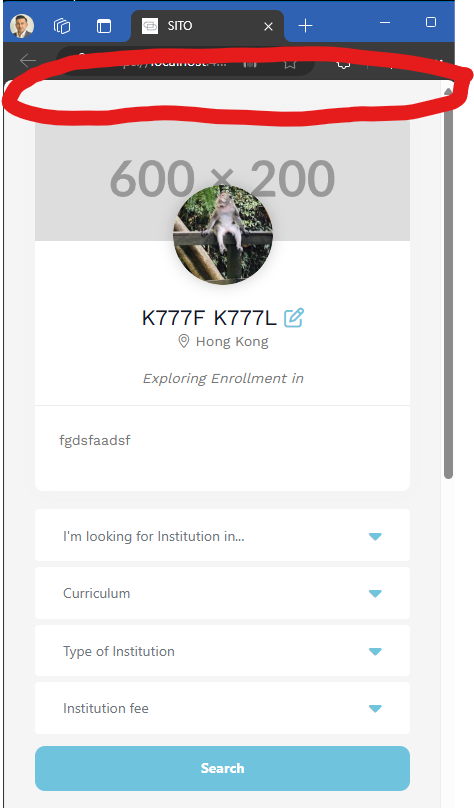
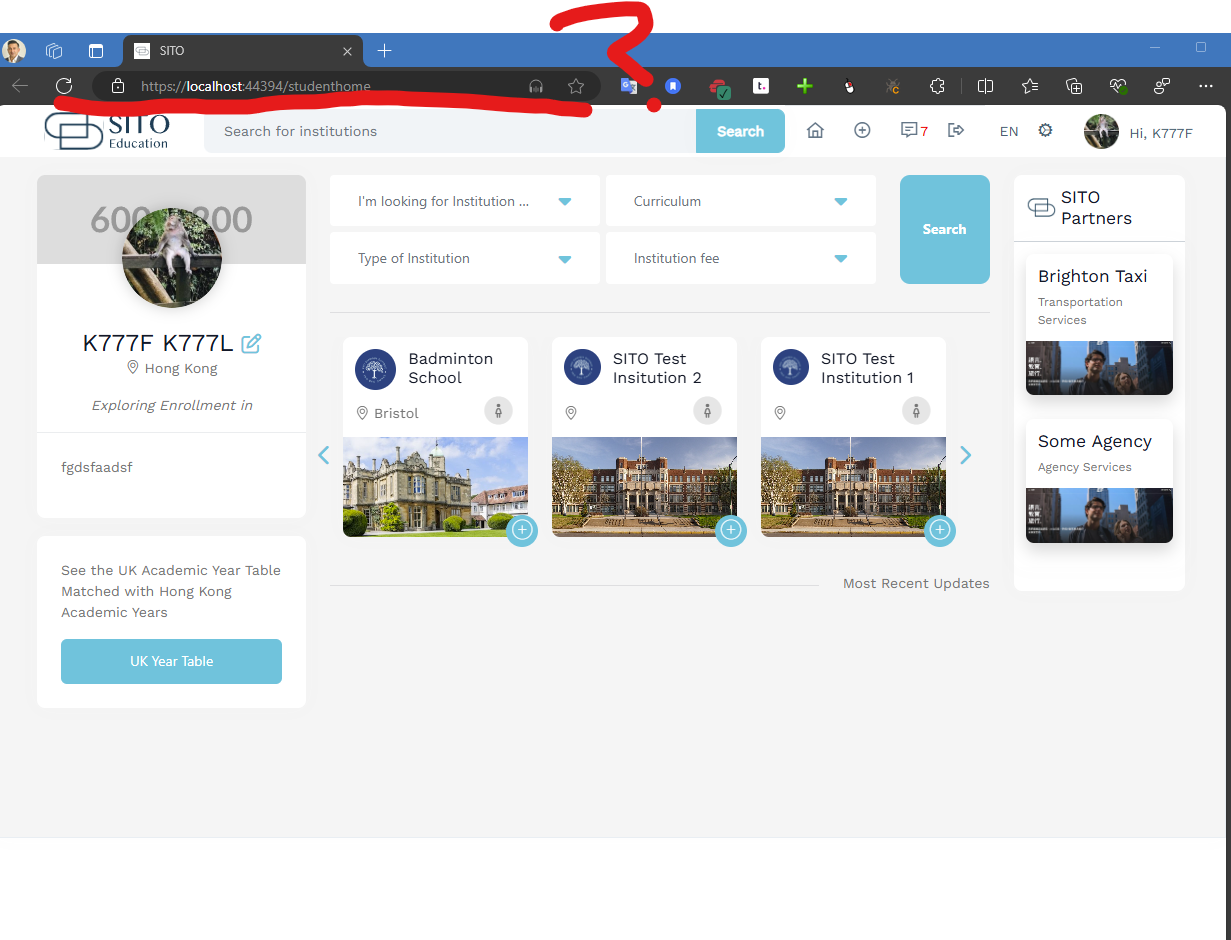
OK everything is working great now, the last thing is this BreadCrumbs component, I can't seem to override properly. Here is the code and error that I am getting:
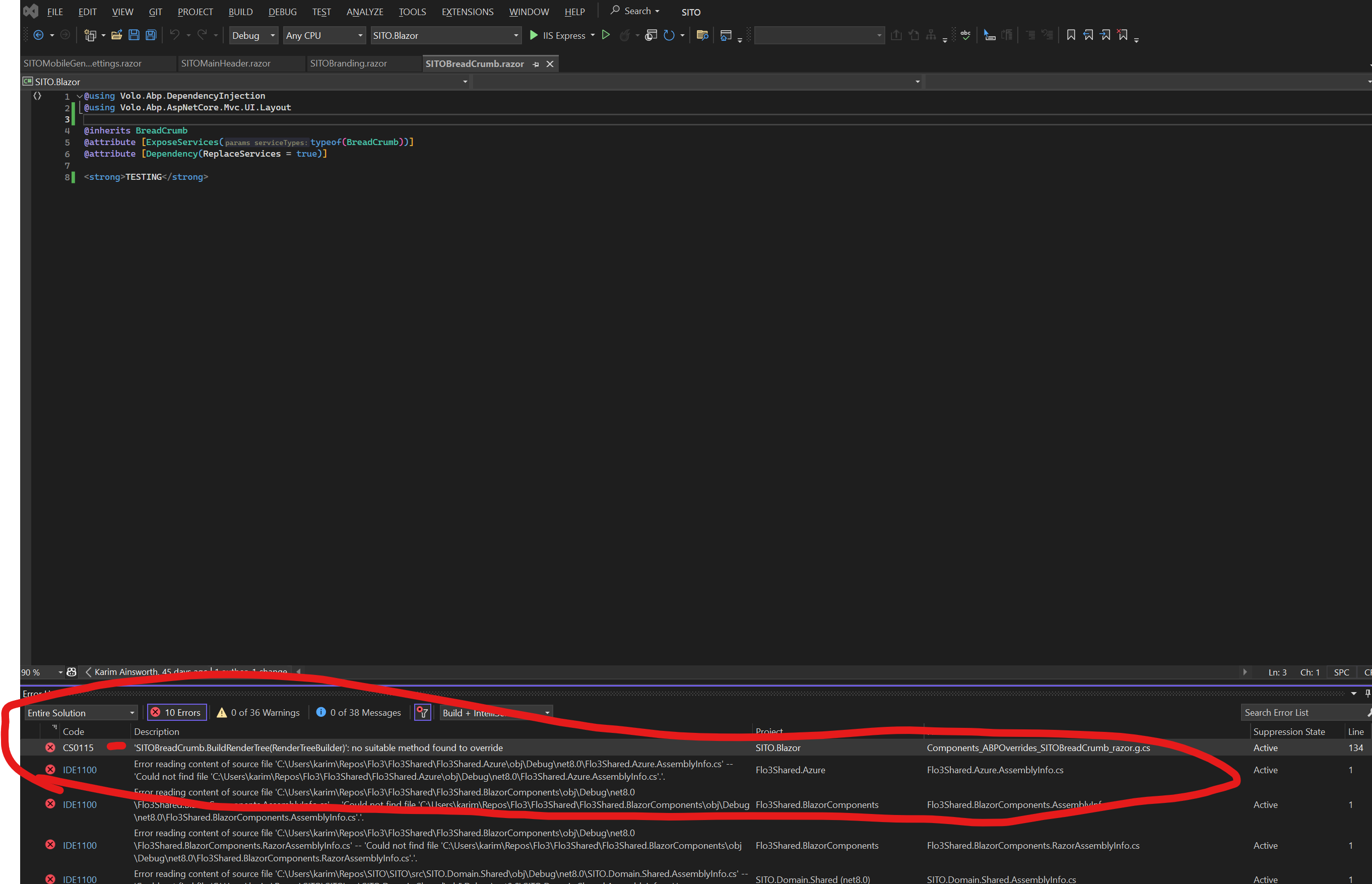
Text in case the image isn't clear:
@using Volo.Abp.DependencyInjection @using Volo.Abp.AspNetCore.Mvc.UI.Layout
@inherits BreadCrumb @attribute [ExposeServices(typeof(BreadCrumb))] @attribute [Dependency(ReplaceServices = true)]
<strong>TESTING</strong>
ERROR
Severity Code Description Project File Suppression State Line Error CS0115 'SITOBreadCrumb.BuildRenderTree(RenderTreeBuilder)': no suitable method found to override SITO.Blazor C:\Users\karim\Repos\SITO\SITO\src\SITO.Blazor\Microsoft.CodeAnalysis.Razor.Compiler.SourceGenerators\Microsoft.NET.Sdk.Razor.SourceGenerators.RazorSourceGenerator\Components_ABPOverrides_SITOBreadCrumb_razor.g.cs Active 134
I must be missing something, any idea? If i can get this resolved then ticket closed! Thanks for your help.
Karim
OK, that's what we need there. One other thing I had brought up above, is there any way to override the Mobile Header / Top Bar. Is that in a different component, or is part of this process somehow?
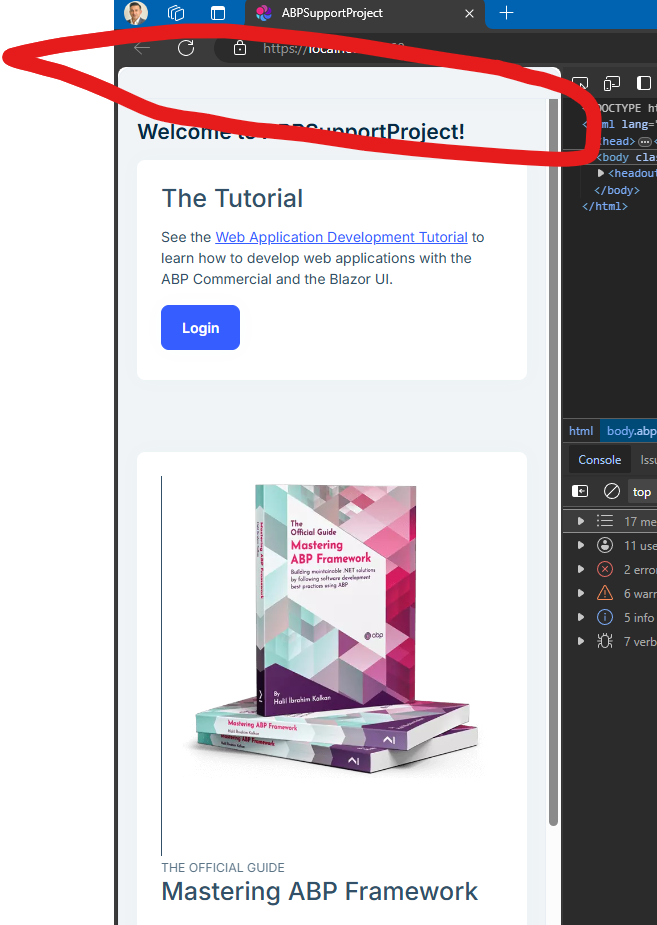
Hi, the Menu button isn't working at all now (neither is settings), it is not pulling up the MobileMenu, which is the area that I want to have control over. As in the original question I need to customize like this:
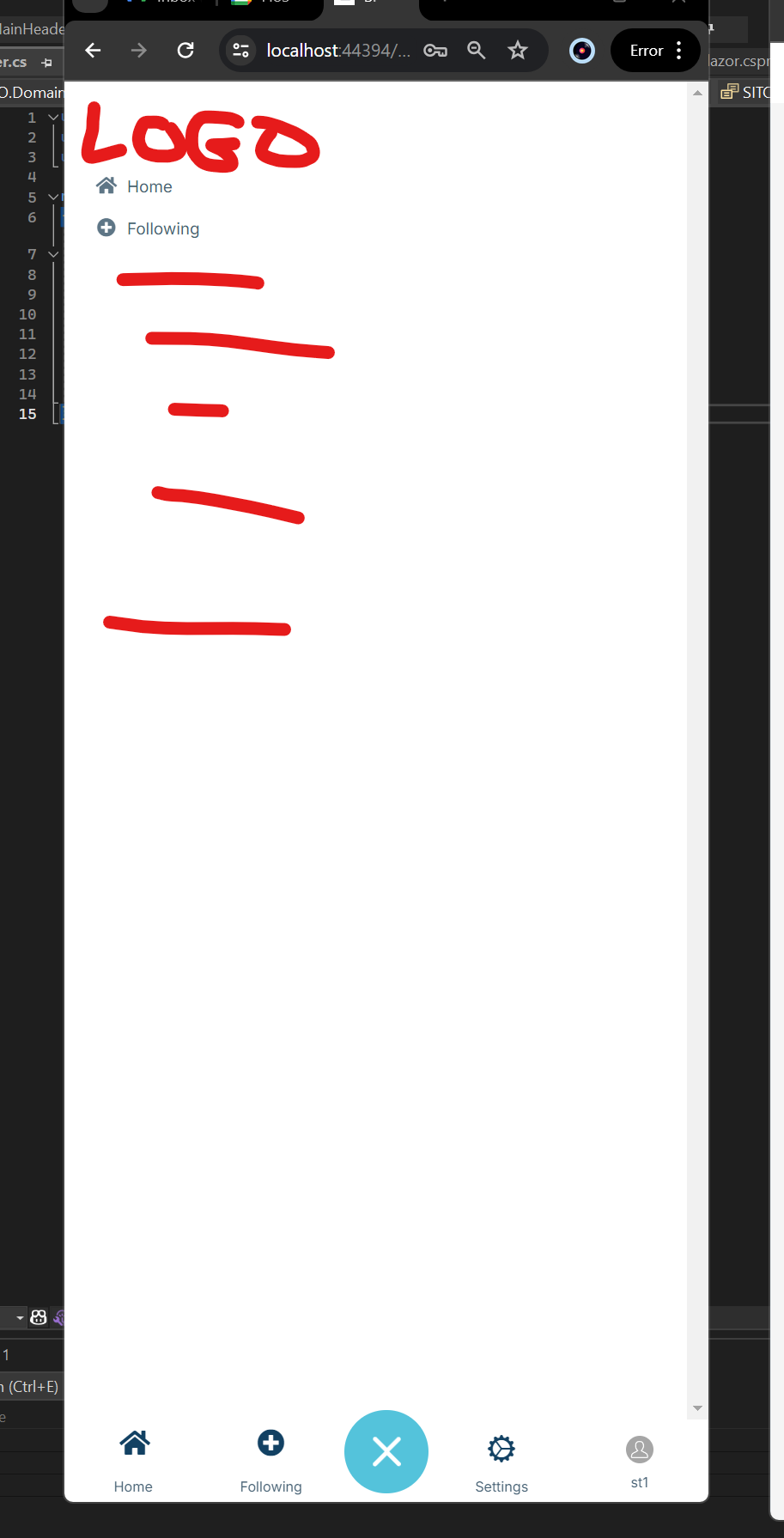
I looked at another project to see if there is some Javascript code missing or something, but I can't tell. Can we get the menu items working on this sample project, so that I can see the actual MobileMenu show / hide and then figure out how to modify it from there.
Thanks,
Karim
ah sorry about that, they are pushed now. Thanks!
Hi, I think these 2 support tickets that I have open with you are overlapping a bit, I think it just is a matter of getting the overrides working correctly. I sent a detailed response on the other ticket, which I think if you can answer could also fix this issue.
Thanks for your support. These last 2 issues are what is left before we go into UAT with a client, so I just want to get them fixed and sorted out. I appreciate your help to push through these.
Thanks,
Karim









