This is layered-razor solution creation result:
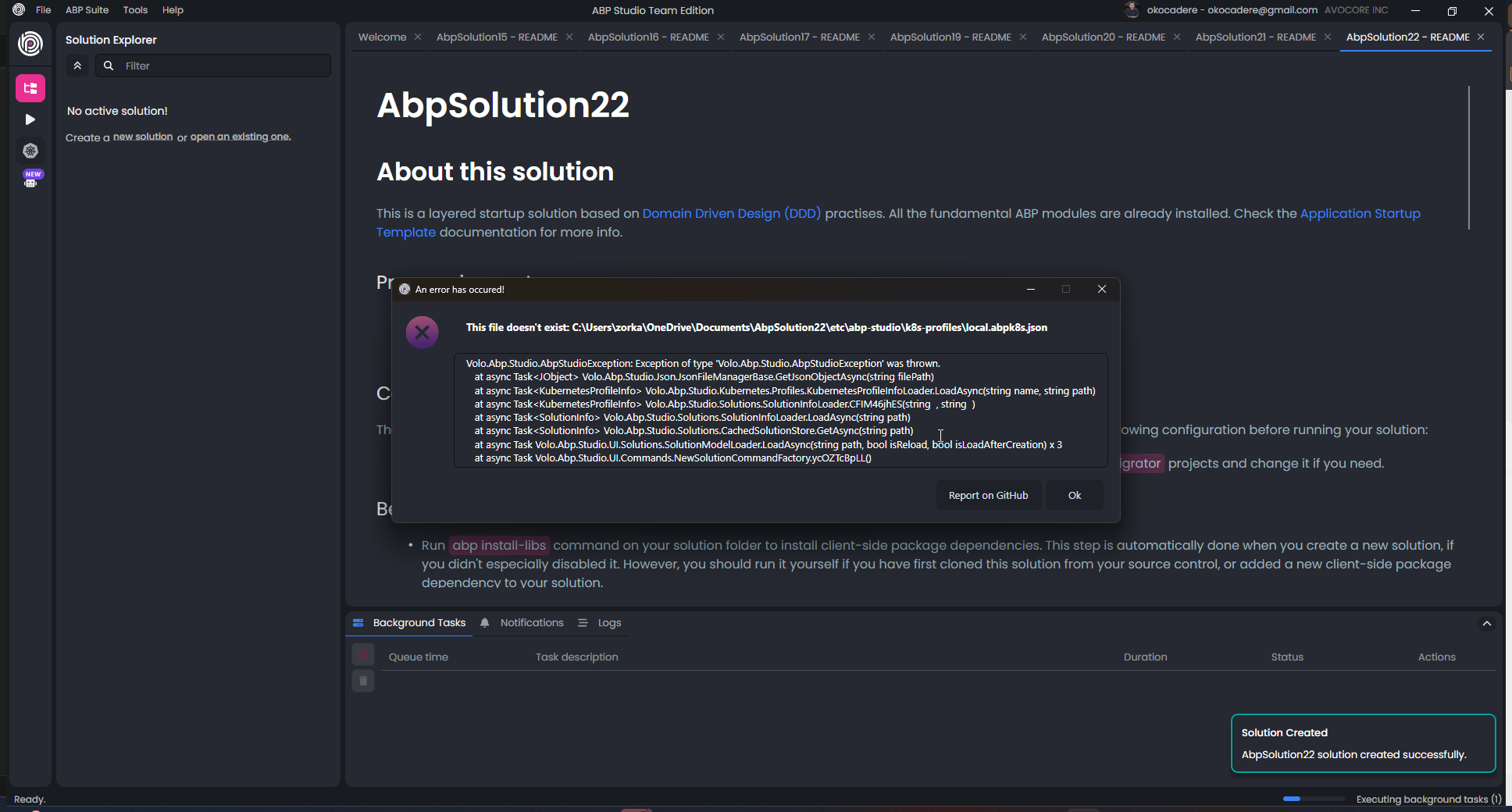
Blazer is the same error. But when I create single layer there is no error... I think the bug is related to layered solutions
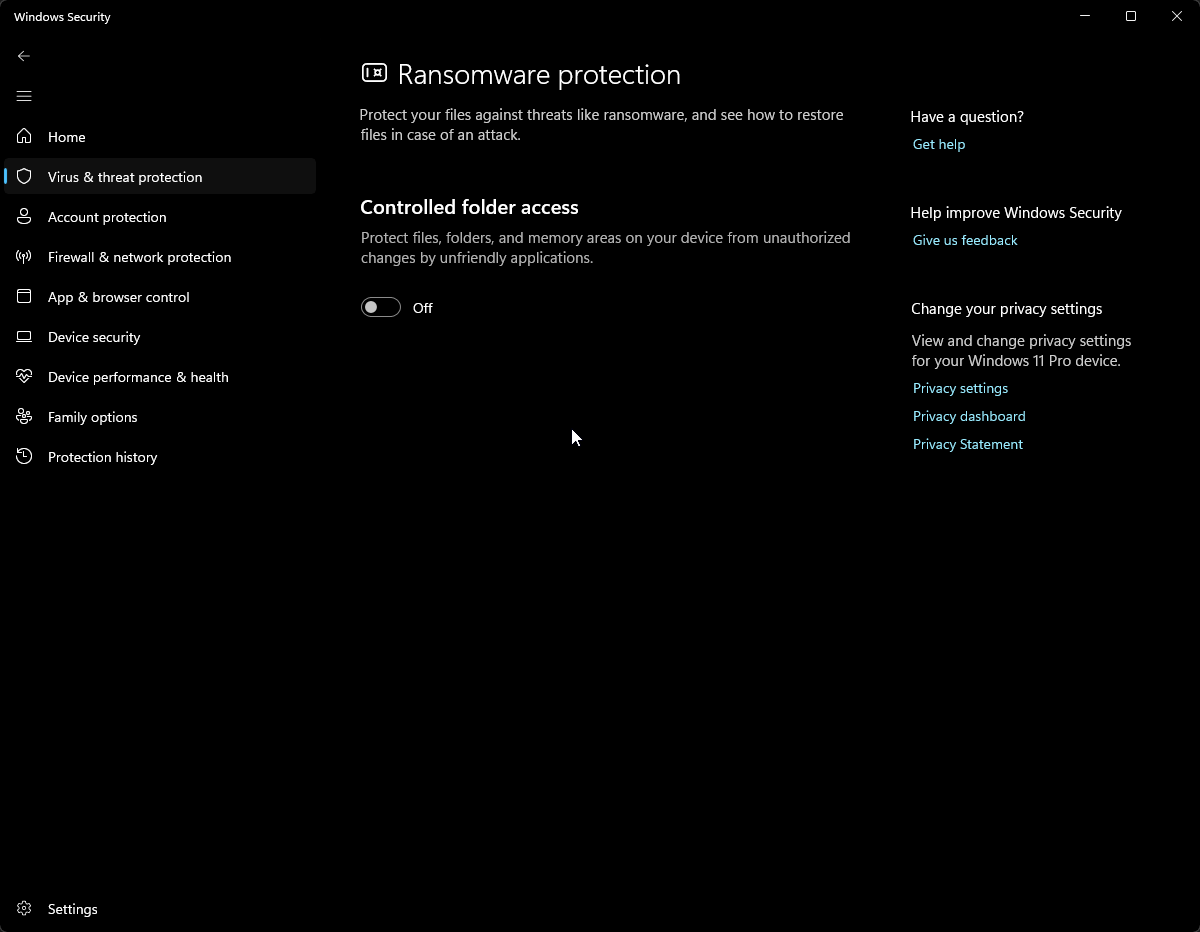
Already closed :
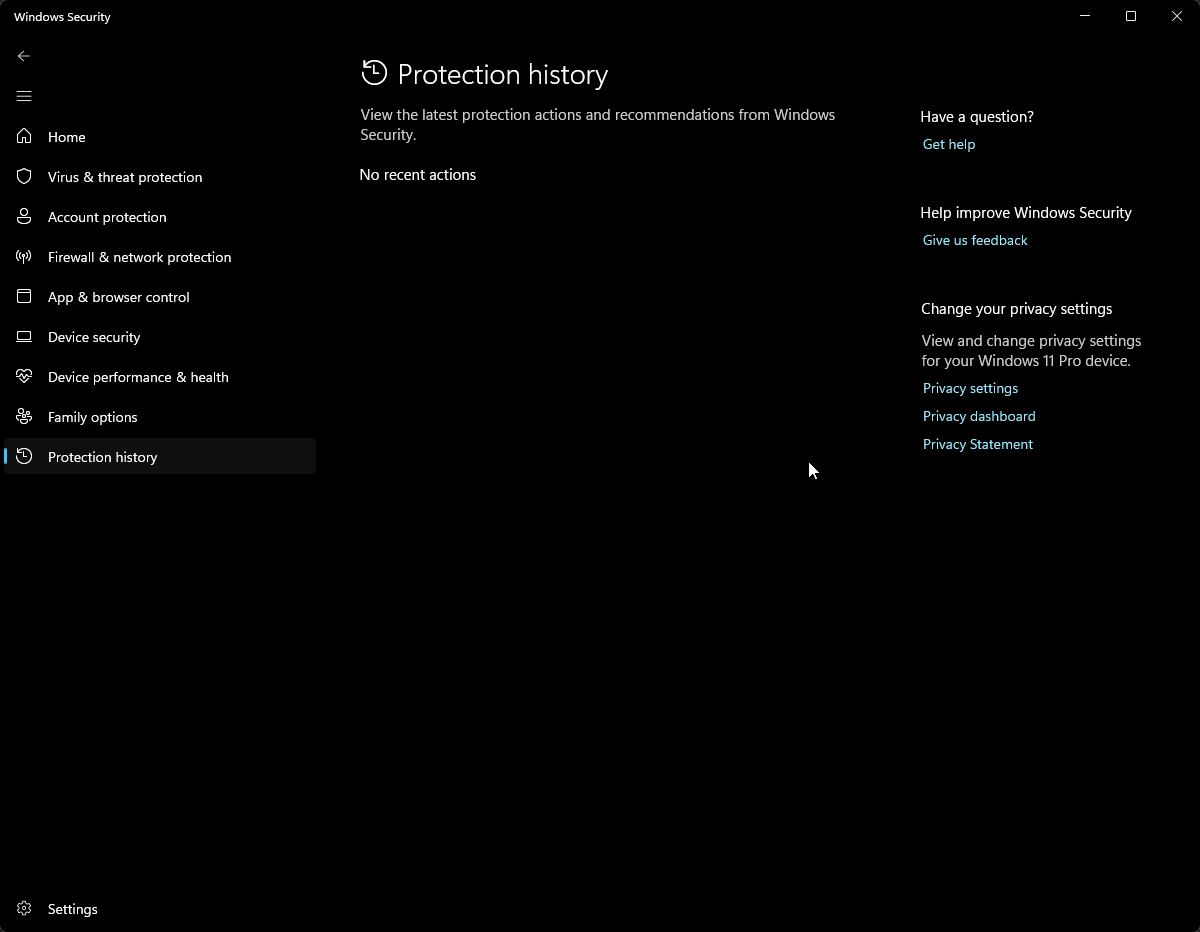
History is empty:
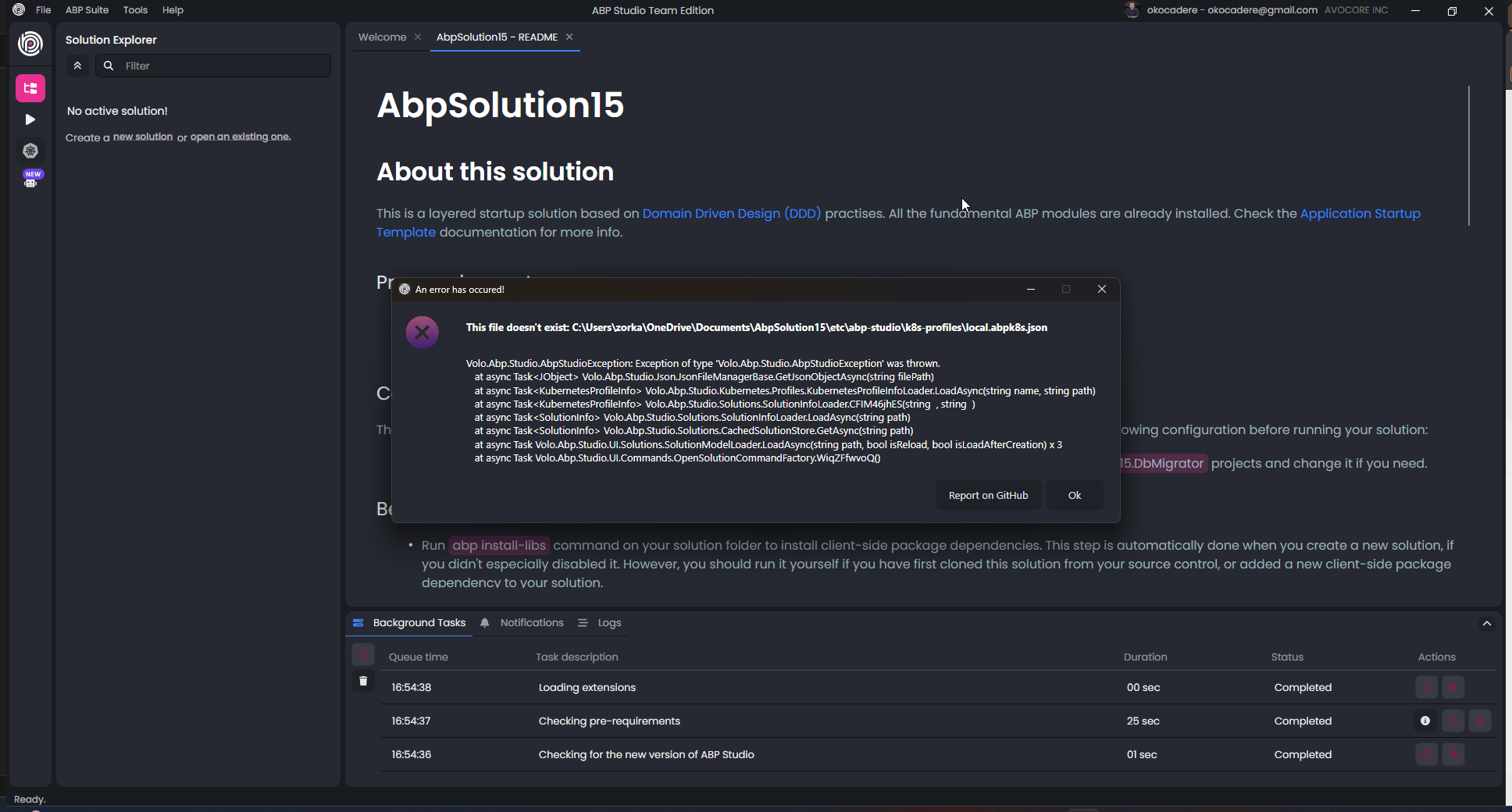
The same error. But pay attention, his error didn't exist before. It appeared after I uninstalled and reinstalled ABP Studio.
You can find the project in the link. NO, I cannot approve. There are lots of json file in the project and in angular, for example tsconfi.json
https://we.tl/t-ce8R8IIhcj
Did you investigate the second problem. I could not use abp studio anymore??
I sent the project via email. I am already applying the copying solution you mentioned. However, I cannot do this every time, it is not sustainable. This is the first problem.
The second problem is more important. Please solve this because the solution no longer opens from within ABP Studio.
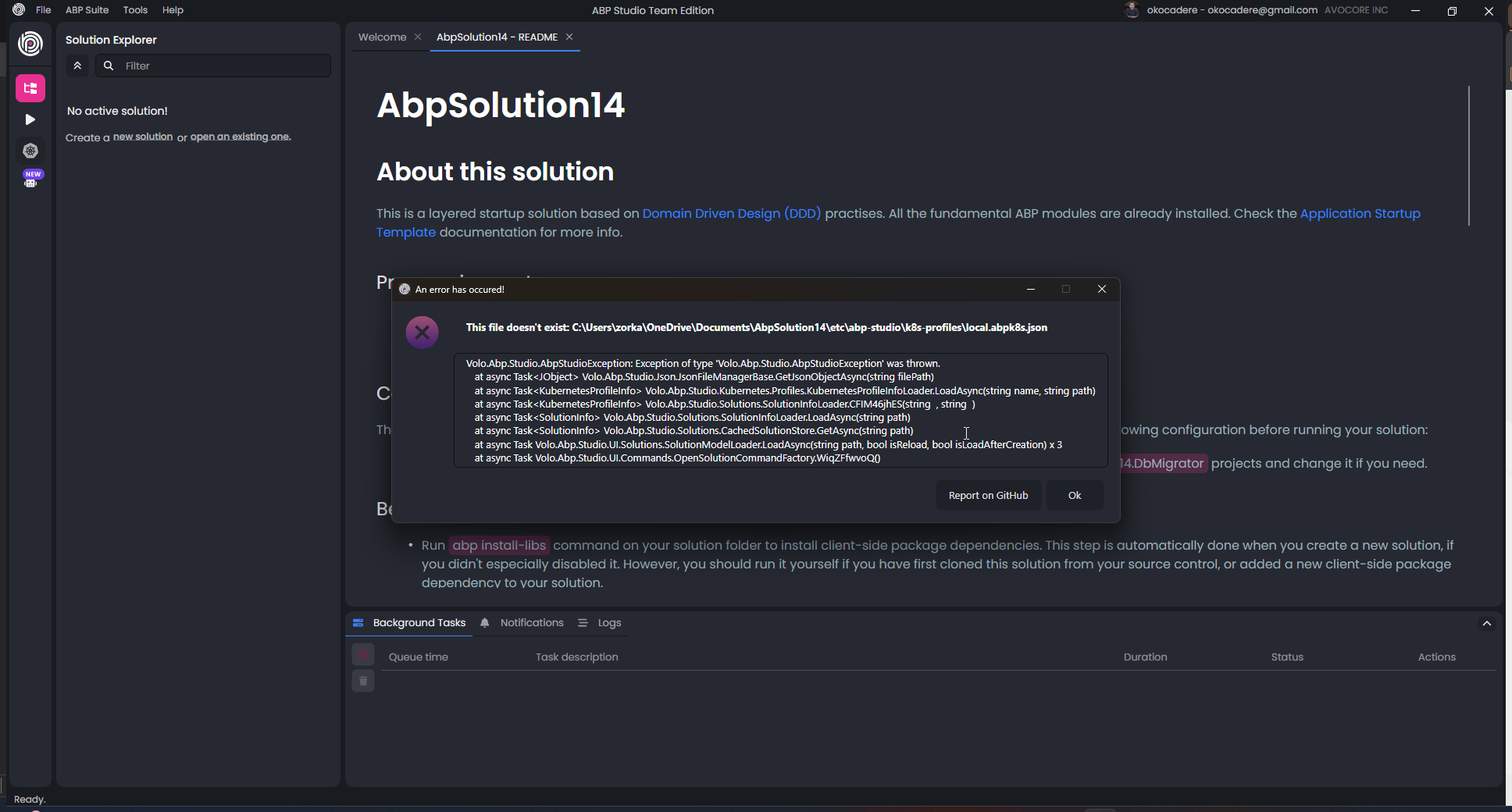
Volo.Abp.Studio.AbpStudioException: Exception of type 'Volo.Abp.Studio.AbpStudioException' was thrown. at async Task<JObject> Volo.Abp.Studio.Json.JsonFileManagerBase.GetJsonObjectAsync(string filePath) at async Task<KubernetesProfileInfo> Volo.Abp.Studio.Kubernetes.Profiles.KubernetesProfileInfoLoader.LoadAsync(string name, string path) at async Task<KubernetesProfileInfo> Volo.Abp.Studio.Solutions.SolutionInfoLoader.CFIM46jhES(string , string ) at async Task<SolutionInfo> Volo.Abp.Studio.Solutions.SolutionInfoLoader.LoadAsync(string path) at async Task<SolutionInfo> Volo.Abp.Studio.Solutions.CachedSolutionStore.GetAsync(string path) at async Task Volo.Abp.Studio.UI.Solutions.SolutionModelLoader.LoadAsync(string path, bool isReload, bool isLoadAfterCreation) x 3 at async Task Volo.Abp.Studio.UI.Commands.NewSolutionCommandFactory.ycOZTcBpLL()
I tried this but it didn't work: C:\dev\MyApp
I don't understand how this is related to permissions. Hundreds of files are being created but only some critical files like angular.json and package.json are not being created.
And now the error in the screenshot above is also appearing. We need to solve this as well. After the solution is created, I get the error in the screenshot. I cannot open the project with ABP Studio.
We need to find a solution for both of these errors. You can connect to my computer.
I uninstalled and reinstalled the abp studio several times. Now we have a new error. And still the angular.json and package.json files are not being generated.
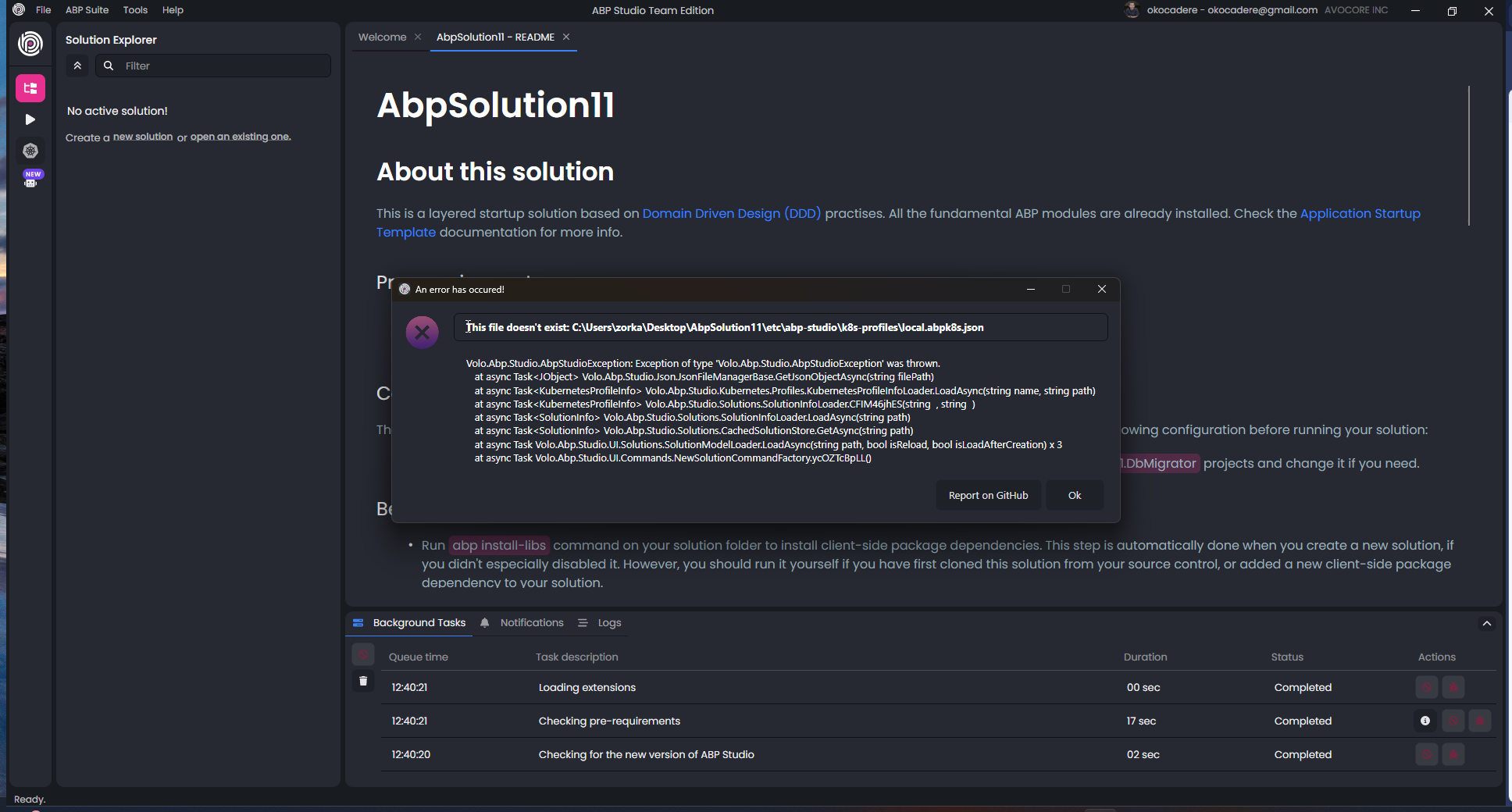
Volo.Abp.Studio.AbpStudioException: Exception of type 'Volo.Abp.Studio.AbpStudioException' was thrown. at async Task<JObject> Volo.Abp.Studio.Json.JsonFileManagerBase.GetJsonObjectAsync(string filePath) at async Task<KubernetesProfileInfo> Volo.Abp.Studio.Kubernetes.Profiles.KubernetesProfileInfoLoader.LoadAsync(string name, string path) at async Task<KubernetesProfileInfo> Volo.Abp.Studio.Solutions.SolutionInfoLoader.CFIM46jhES(string , string ) at async Task<SolutionInfo> Volo.Abp.Studio.Solutions.SolutionInfoLoader.LoadAsync(string path) at async Task<SolutionInfo> Volo.Abp.Studio.Solutions.CachedSolutionStore.GetAsync(string path) at async Task Volo.Abp.Studio.UI.Solutions.SolutionModelLoader.LoadAsync(string path, bool isReload, bool isLoadAfterCreation) x 3 at async Task Volo.Abp.Studio.UI.Commands.OpenSolutionCommandFactory.WiqZFfwvoQ()
I reproduced for you. You can finde the video:
These are the logs:
2026-02-26 17:49:52.969 +03:00 [INF] Found 1 projects. 2026-02-26 17:49:52.970 +03:00 [INF] C:\Users\zorka\Desktop\Store\Codes\Avocore\Analision\src\Analision.AuthServer 2026-02-26 17:49:52.971 +03:00 [INF] Running Yarn on C:\Users\zorka\Desktop\Store\Codes\Avocore\Analision\src\Analision.AuthServer 2026-02-26 23:54:31.997 +03:00 [INF] Creating initial migrations... 2026-02-26 23:55:16.366 +03:00 [INF] Initial migrations are created. 2026-02-27 11:29:59.248 +03:00 [INF] Found 1 projects. 2026-02-27 11:29:59.252 +03:00 [INF] C:\Users\zorka\Desktop\Store\Codes\Avocore\AbpSolution7\src\AbpSolution7.HttpApi.Host 2026-02-27 11:29:59.252 +03:00 [INF] Running Yarn on C:\Users\zorka\Desktop\Store\Codes\Avocore\AbpSolution7\src\AbpSolution7.HttpApi.Host 2026-02-27 11:30:47.320 +03:00 [INF] Creating initial migrations... 2026-02-27 11:31:05.166 +03:00 [INF] Initial migrations are created.
I ran the below command as stated above comment but the files are still missing...
abp new Analision -t app --tiered --ui-framework angular --database-provider ef --database-management-system postgresql --theme leptonx --separate-tenant-schema --skip-migration --skip-migrator --without-cms-kit --sample-crud-page
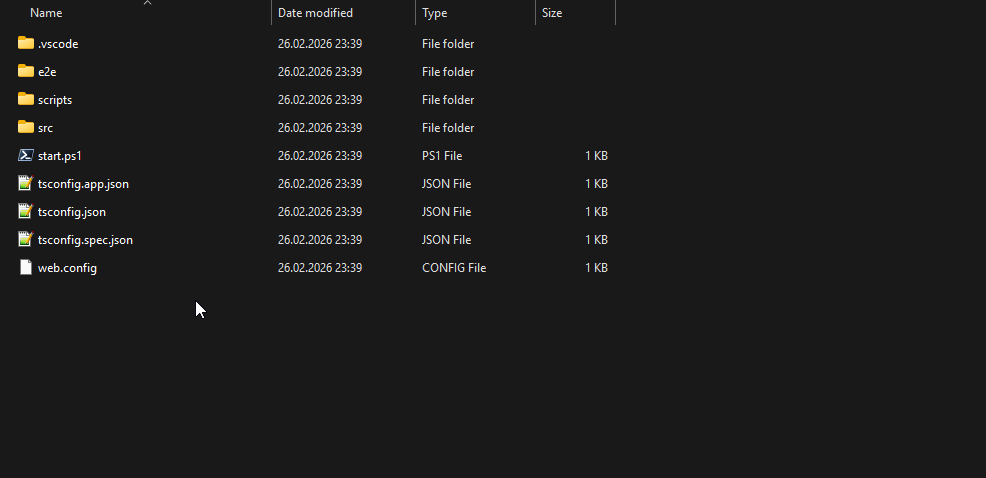
When creating a layered solution with ABP Studio, I choose Angular as the frontend. However, in the generated Angular project, many essential files such as package.json and angular.json are missing. In contrast, when creating a single layered solution, all the necessary files are generated.
Why does this happen, and how can I ensure that all the required files are created when setting up a layered solution with Angular in ABP Studio?









