After upgrading an Angular application to ABP 10.5, sidebar parent menu items can become current and update the expanded-route state while their nested submenu remains hidden. The SaaS parent is a reproducible example: the host user can retrieve the tenant data, but the Tenants and Editions submenu entries do not become visible.
The application uses Lepton Style 4 and the corresponding lepton4 CSS bundle. The click and authorization flow are working; the failure occurs in the final CSS/layout state.
10.5.021.2.x@volo/abp.ng.theme.lepton version 10.5.0lepton4 bundle)lp-opened-sidebar)ABP Studio's Solution Configuration reports:
appClassic0.8.13.0.6YesAngularLeptonX (not sure why - we're using Lepton classic)systemNoEFSQL ServerYesnoneNoThere is an apparent metadata/runtime discrepancy: Solution Configuration identifies the theme as LeptonX, while the current runtime source uses the legacy Lepton Angular package (@volo/abp.ng.theme.lepton), provideThemeLepton(), the legacy Volo.Abp.LeptonTheme server modules, and Lepton Style 4 (lepton4.css). This should be considered when diagnosing the issue.
current class.The route state contains the expected expanded SaaS entry:
expandedRoutes = Set(1) { 'Saas::Menu:Saas1' }
The route node contains the expected child entries (Tenants and Editions), and the API returns the expected tenant data.
expandedRoutes is updated.current.display remains none.abp-application-layout lp-opened-sidebar lp-body-fixed.d-block overflow-hidden class that the Lepton RoutesComponent uses for the sidebar placement.The loaded Lepton Style 4 CSS contains the rule that hides nested sidebar lists:
.lp-opened-sidebar .lp-sidebar .lp-sidebar-navi > ul ul {
  display: none;
}
This indicates a layout/CSS state mismatch: the route is marked current and expanded, but the template does not apply the class that makes the nested list visible for the active layout.
The console warning observed during diagnosis concerned Angular animation of overflow. It is not the cause of the hidden submenu.
The application-side configuration was checked for interference:
Left.AlwaysOpened.lepton4 bundle is loaded.RoutesComponent, abp-routes, or the sidebar component.Top or manually manages the Lepton body layout classes.The body correctly reports the left-sidebar state, so the mismatch appears to be within Lepton's layout state/route component interaction rather than an application override.
The application keeps current submenus visible in the opened sidebar:
// ABP 10.5/Lepton can render a sidebar route as `current` while its layout
// state omits the template's `d-block` class. lepton4.css then hides every
// nested UL under `.lp-opened-sidebar`, leaving expanded submenus at display:none.
// Keep current sidebar submenus visible until the upstream layout/CSS mismatch
// is resolved.
.lp-opened-sidebar .lp-sidebar .lp-sidebar-navi ul li.current > ul {
  display: block !important;
}
After applying this workaround, the SaaS submenu opens correctly.
The application uses the latest stable Lepton package currently available from the npm registry:
@volo/abp.ng.theme.lepton: 10.5.0lepton4.min.css.The 10.6.0-rc.1 package was also inspected. Its lepton4.min.css is unchanged, and its compiled RoutesComponent retains the same isMenuPlacementTop() && !smallScreen() conditions. It does not appear to fix this issue. It is built for the ABP 10.6/Angular 22 package line and should be evaluated only as part of a coordinated upgrade.
Please confirm whether this is a known regression or layout detection issue in the Angular Lepton Style 4 theme. Specifically:
RoutesComponent render a sidebar route without d-block overflow-hidden while the document is in lp-opened-sidebar mode?The following references may be relevant, although neither is an exact match to this reproduction:
Thanks, we're good. Have a nice day :)
I've fixed the issue now.
We had a this in the styles array in angular.json:
"node_modules/@yaireo/tagify/dist/tagify.css",
after lepton4.css but before the ngx-datable one's.
Moving it to the end, it worked
Thanks, I have created a new thread. https://abp.io/support/questions/9848/stylecss-loaded-in-wrong-order
Sorry bot, but I need a human.
Also, styles.scss is the last entry in the styles array.
We are using the Lepton Theme (non-X) and after upgrading to ABP 9.3.2 (from 9.2.x) we face some styling issues. We think the issue might be related to the order in which our styles are loaded.
This seems similar to https://abp.io/support/questions/9821/Angular-Style-Declaration-Order-is-ignored-when-injecting-styles-into-the-DOM-since-upgrade-to-ABP-931, but this was for LeptonX.
Our app in production (9.2.x):
<link rel="stylesheet" href="lepton4-X4OK76EB.css">
<link rel="stylesheet" href="ngx-datatable-index-ALC7J2LN.css">
<link rel="stylesheet" href="ngx-datatable-icons-YZZVGCGU.css">
<link rel="stylesheet" href="ngx-datatable-material-QROZ42NV.css">
<link rel="stylesheet" href="fontawesome-all.min-V43YH5Q7.css">
<link rel="stylesheet" href="fontawesome-v4-shims.min-5GHJGPBV.css">
<link rel="stylesheet" href="styles-3O3IHLFY.css">
Our development app (same app, but upgraded to 9.3.2):
<link rel="stylesheet" href="lepton4.css">
<link rel="stylesheet" href="styles.css">
<link rel="stylesheet" href="ngx-datatable-index.css">
<link rel="stylesheet" href="ngx-datatable-icons.css">
<link rel="stylesheet" href="ngx-datatable-material.css">
<link rel="stylesheet" href="fontawesome-all.min.css">
<link rel="stylesheet" href="fontawesome-v4-shims.min.css">
We are facing issues with the ngx-datatable not being styled correctly.
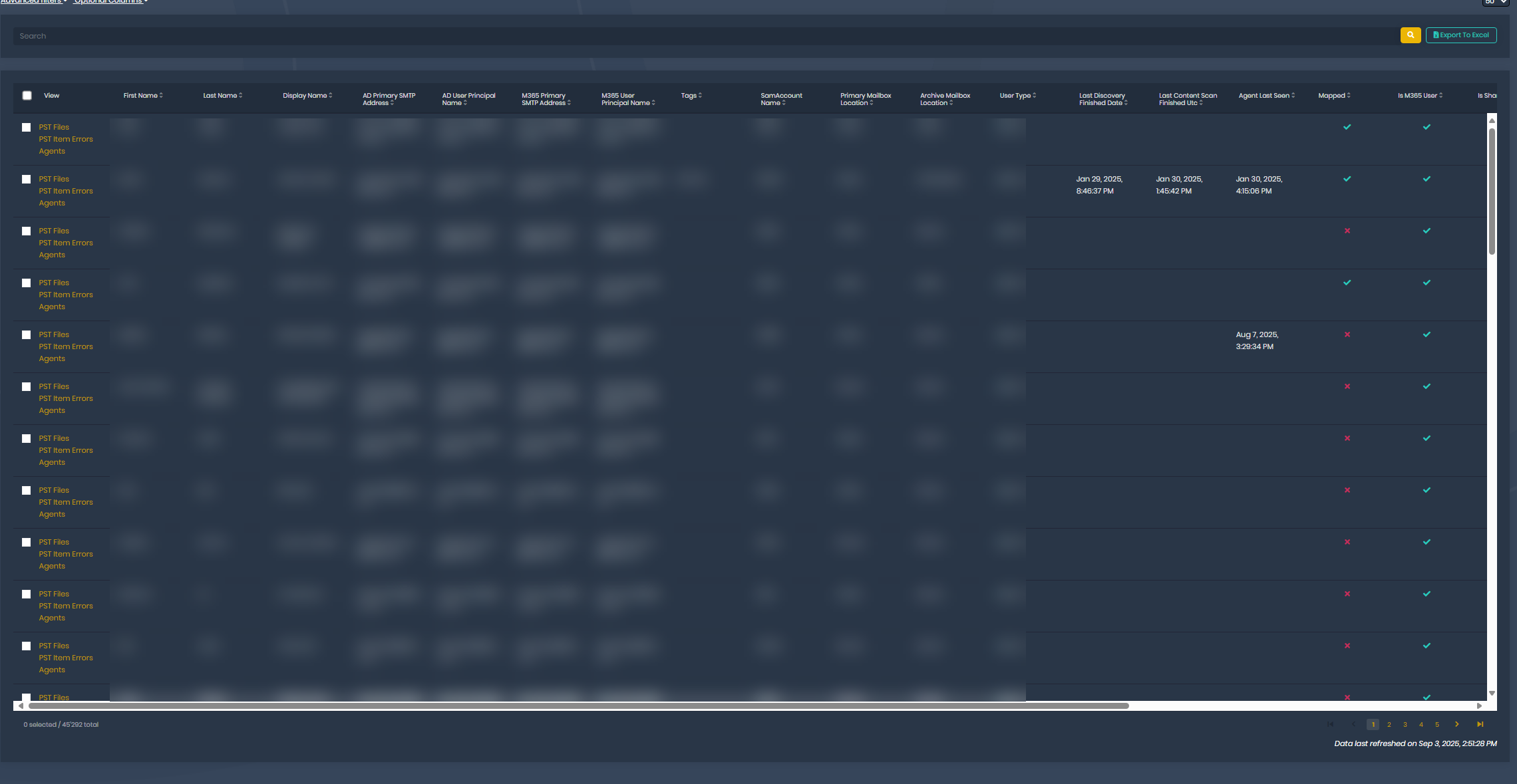
Here's our app in production, styled to full page height:
Here's the App in development, not styled to full height:
It also exhibits other style issues, but only in the ngx-datatable:
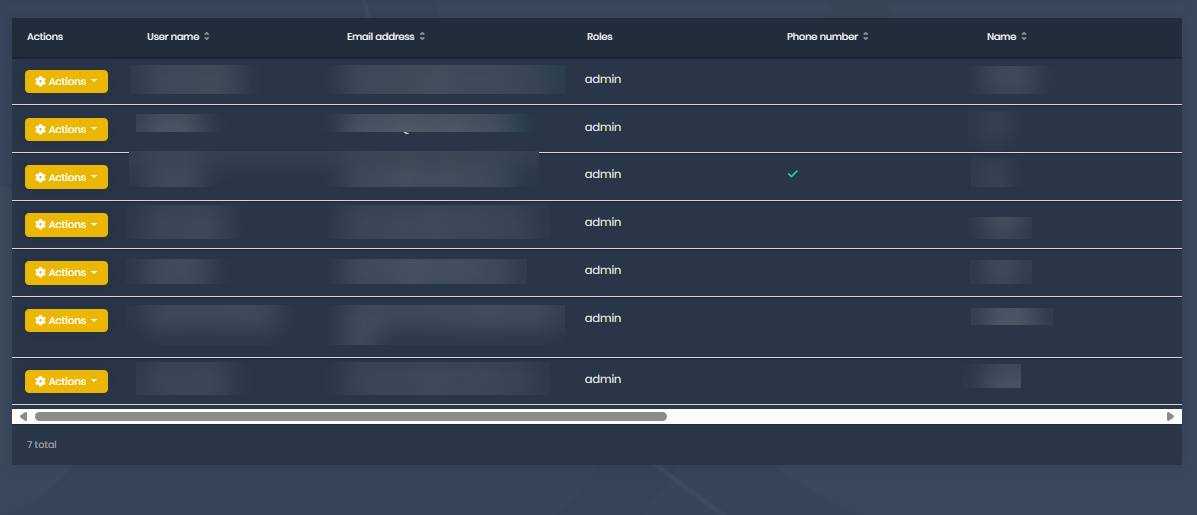
Which seems to suggest to us that the loading of the styles is the issue, as we correctly override things in the lepton4.css from the base theme, but certain ngx-datatable stuff does not get overridden correctly, as the style.css is loaded before the ngx-datatable.css stuff.
Ours looks like this:
<link rel="stylesheet" href="lepton4.css">
<link rel="stylesheet" href="styles.css">
<link rel="stylesheet" href="ngx-datatable-index.css">
<link rel="stylesheet" href="ngx-datatable-icons.css">
<link rel="stylesheet" href="ngx-datatable-material.css">
<link rel="stylesheet" href="fontawesome-all.min.css">
<link rel="stylesheet" href="fontawesome-v4-shims.min.css">
And in production (with ABP 9.2) we have:
<link rel="stylesheet" href="lepton4-X4OK76EB.css">
<link rel="stylesheet" href="ngx-datatable-index-ALC7J2LN.css">
<link rel="stylesheet" href="ngx-datatable-icons-YZZVGCGU.css">
<link rel="stylesheet" href="ngx-datatable-material-QROZ42NV.css">
<link rel="stylesheet" href="fontawesome-all.min-V43YH5Q7.css">
<link rel="stylesheet" href="fontawesome-v4-shims.min-5GHJGPBV.css">
<link rel="stylesheet" href="styles-3O3IHLFY.css">
We have the same issue I think on the Lepton (non-X) theme... How would we resolve that?
Thanks. After tinkering a few more with it I found the issue...
I wanted to replace the MinioBlobProvider with our own, but we had replaced IBlobProvider instead of the MinioBlobProvider 🤦
After fixing that, it works again now. Thx :)
Oh, and the exception happens when we e.g. go to the Tenant list in the Host, or to Audit logs









