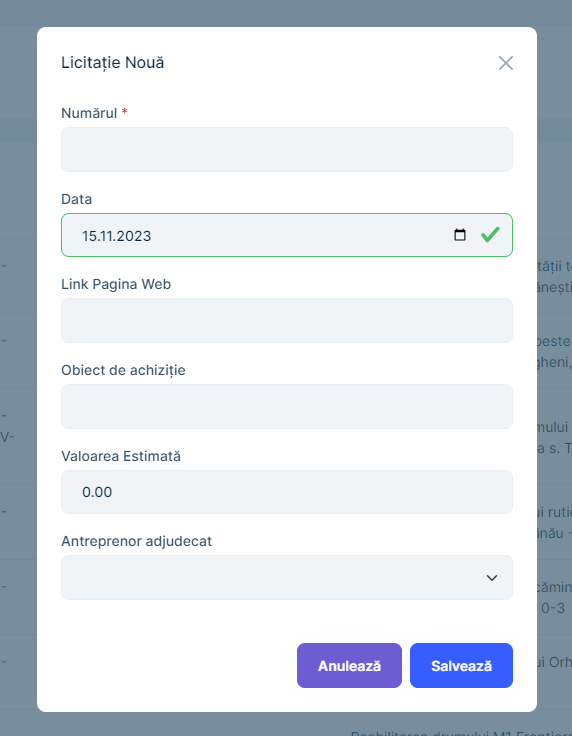
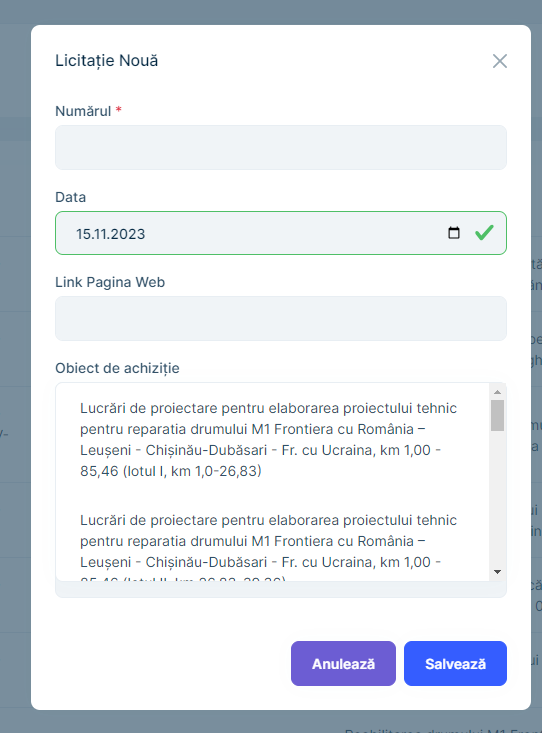
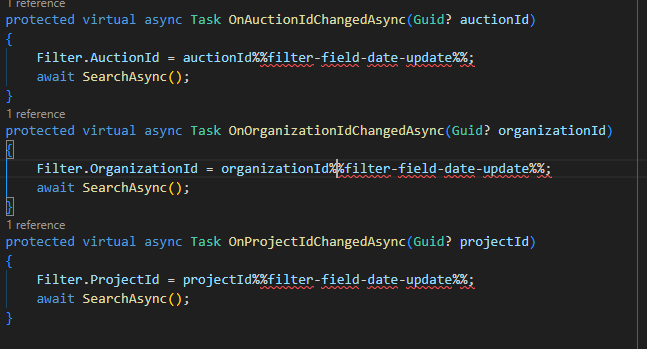
Activities of "icoretchi"

  • ABP Framework version: v8.0.0
  • UI Type: Blazor WASM
  • Database System: EF Core (SQL Server)
  • Tiered (for MVC) or Auth Server Separated (for Angular): microservice
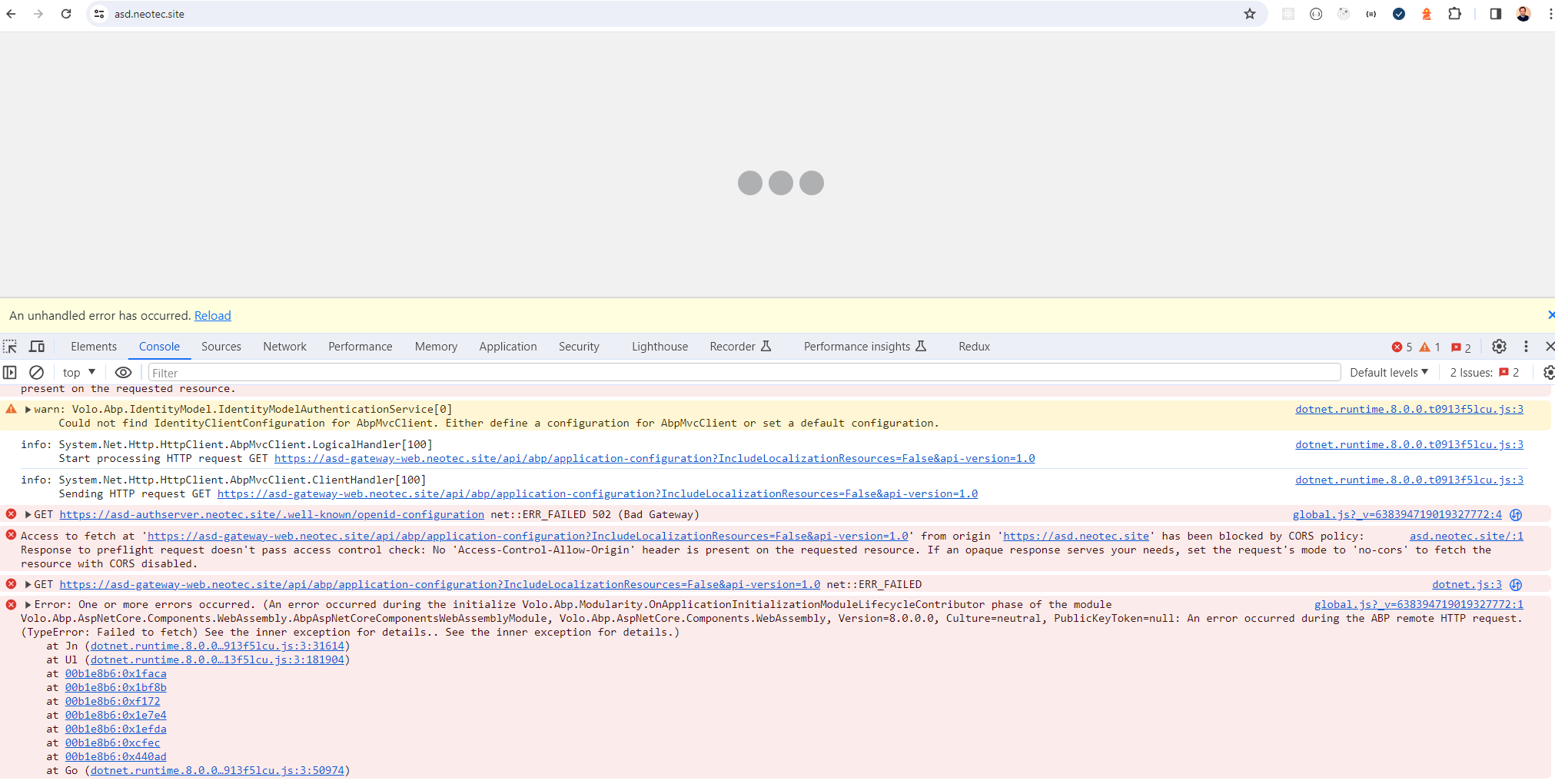
  • Exception message and full stack trace:
  • Steps to reproduce the issue:

Hi,

After updating to v8.0.0 and following migration guides I am receiving the following error in production. Any suggestion?
Answer

Ok. I've understood.

Check the docs before asking a question: https://docs.abp.io/en/commercial/latest/ Check the samples to see the basic tasks: https://docs.abp.io/en/commercial/latest/samples/index The exact solution to your question may have been answered before, and please first use the search on the homepage. Provide us with the following info:
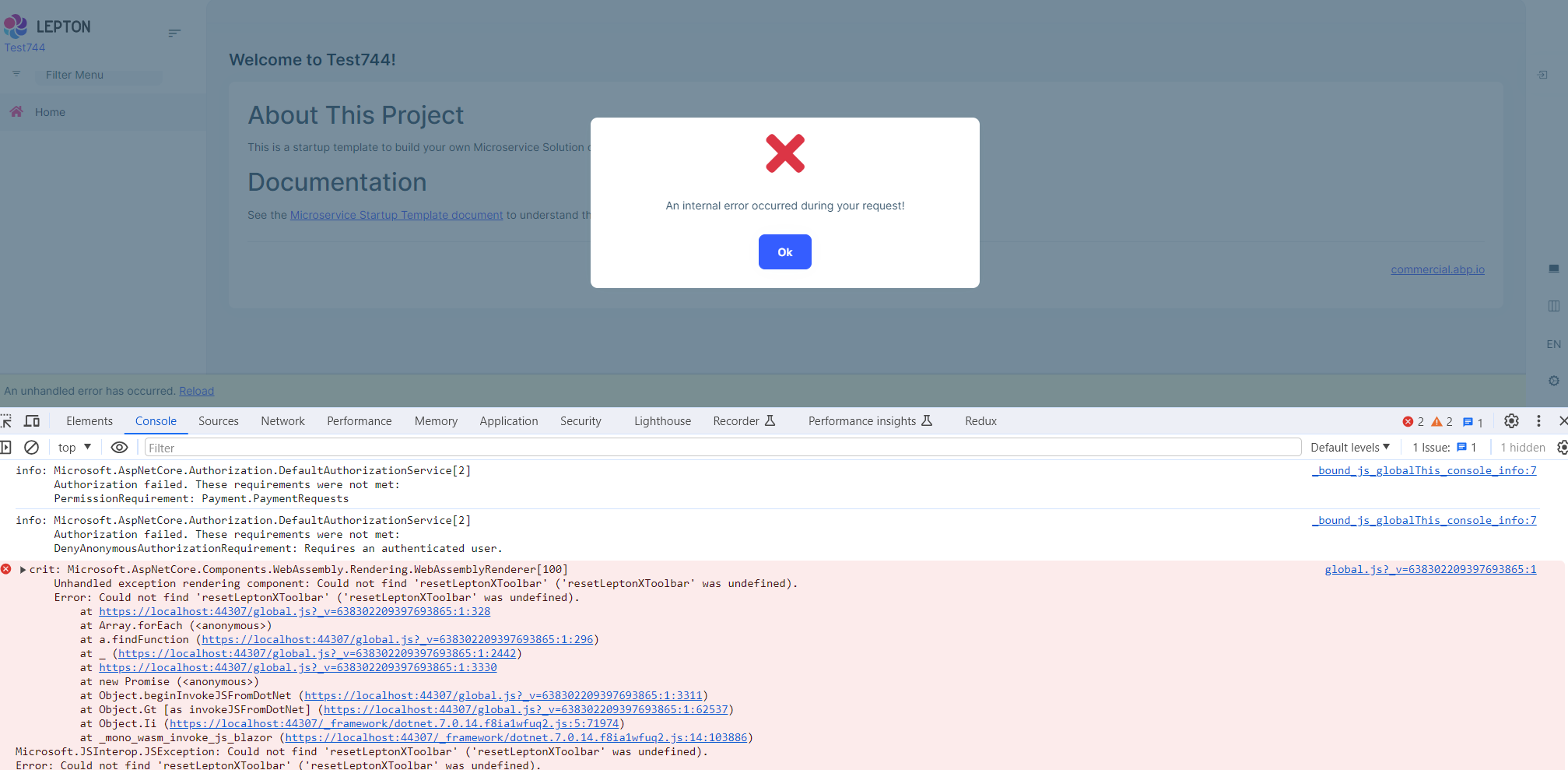
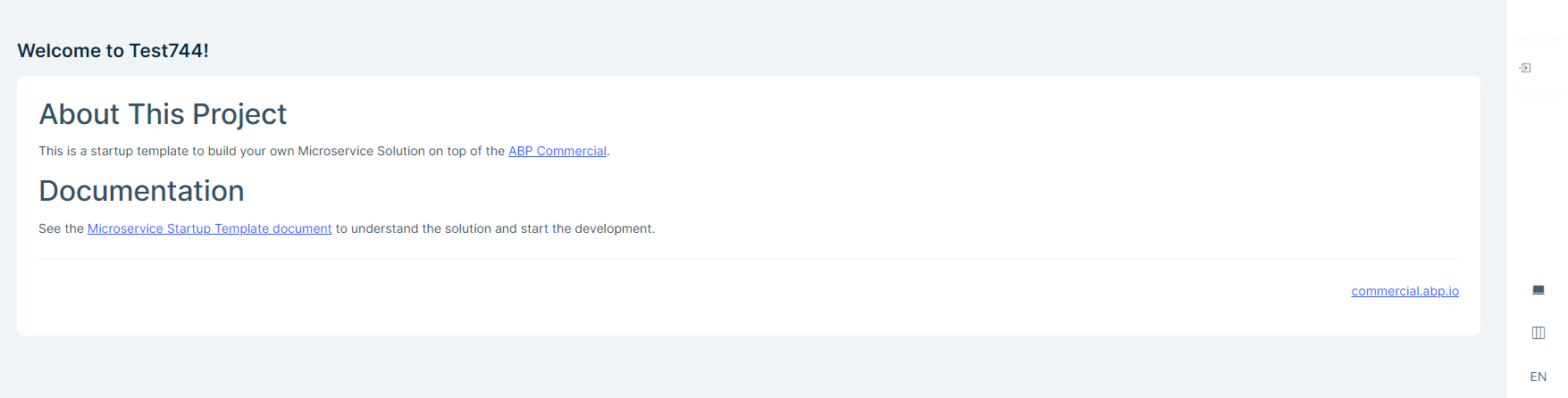
  • ABP Framework version: v7.4.4
  • UI Type: Blazor WASM
  • Database System: EF Core (SQL Server)
  • Tiered (for MVC) or Auth Server Separated (for Angular): yes/no
  • Exception message and full stack trace:
  • Steps to reproduce the issue:
  • Generate with abp suite the microservice template with Blazor WebAssembly UI
  • Build and run the solution.
  • Following Error appeared:
  • Also the login icon is not centered.
Answer

Hi,

The tests don't show how you resolved the issue. Allow me to remind you that the problem was that the implementation of the Dapper interface wasn't properly descoved by dependency injection. I succeeded to resolve the issue by mannually register the interface and implementation. I've just wondering how you have solved the issue.

Cheers, Yulian

Question
  • ABP Framework version: v7.4.2
  • UI Type: Blazor WASM
  • Database System: EF Core (SQL Server)
  • Tiered (for MVC) or Auth Server Separated (for Angular): yes/no
  • Exception message and full stack trace:
  • Steps to reproduce the issue:

Hi,

I have the same isssue as https://support.abp.io/QA/Questions/2745/How-to-add-Dapper-to-existing-porject. How did you solve it?

Thanks.
  • ABP Framework version: v7.4.1
  • UI Type: Blazor WASM
  • Database System: EF Core (SQL Server)
  • Tiered (for MVC) or Auth Server Separated (for Angular): microservice
  • Exception message and full stack trace:
  • Steps to reproduce the issue:
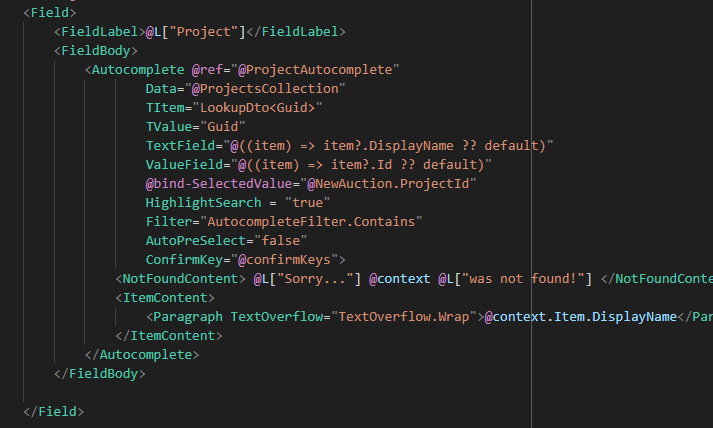
  • Add Autocomplete to Blazor page
  • Before enter the search term.
  • Result after. The drop-down hides the part of the control that enters text
Question

Check the docs before asking a question: https://docs.abp.io/en/commercial/latest/ Check the samples to see the basic tasks: https://docs.abp.io/en/commercial/latest/samples/index The exact solution to your question may have been answered before, and please first use the search on the homepage. Provide us with the following info:
  • ABP Framework version: v7.4.1
  • UI Type: Blazor WASM
  • Database System: EF Core (SQL Server)
  • Tiered (for MVC) or Auth Server Separated (for Angular): microservices
  • Exception message and full stack trace:
  • Steps to reproduce the issue:
  • Generate solution with abp suite microservice template
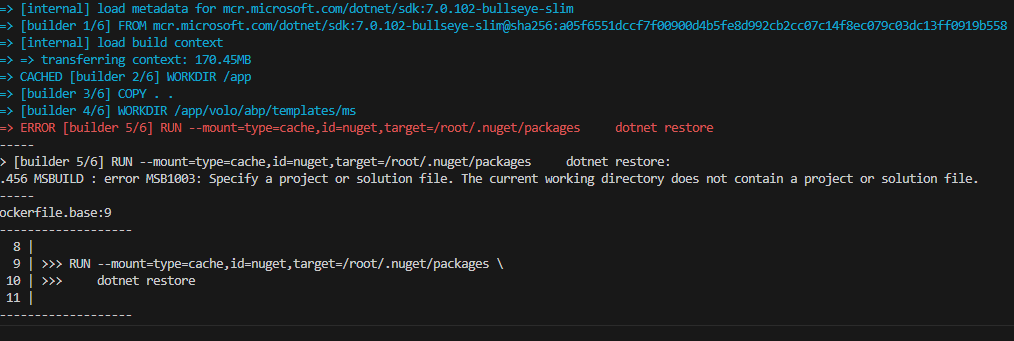
  • run build-images.ps1 script

This error appears after you have changed the Dockerfile.base file in the recent versions.

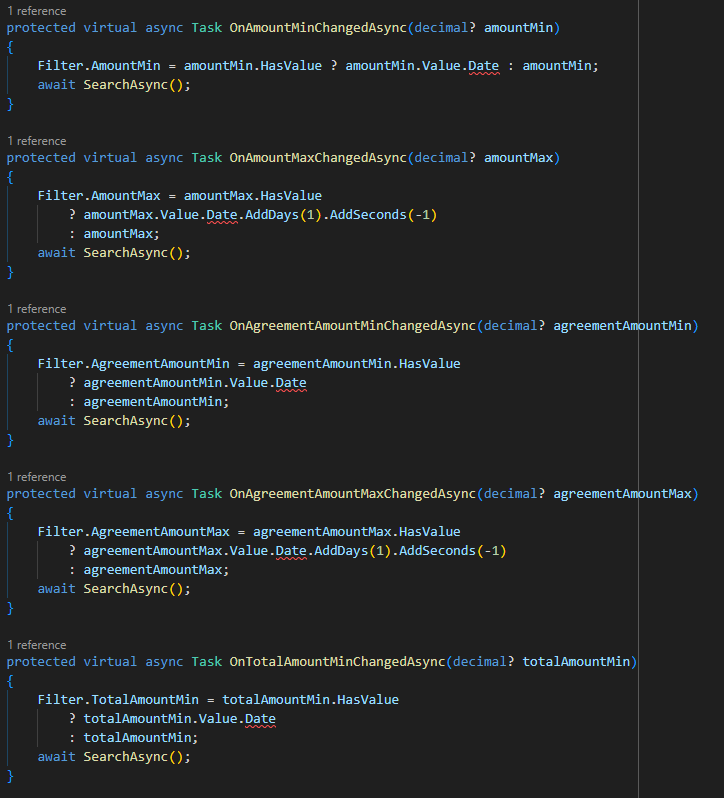
Also pay attention for the following errors as well:
  • ABP Framework version: v7.4.1
  • UI Type: Blazor WASM
  • Database System: EF Core (SQL Server)
  • Tiered (for MVC) or Auth Server Separated (for Angular): microservices
  • Exception message and full stack trace:
  • Steps to reproduce the issue:
  • Generate entity with one-to-many relationship with abp suite v.7.4.1
  • See the errors on razor page.
Answer

Probably this is specific to my infrastructure configuration. I'll close the issue.

Showing 121 to 130 of 164 entries
Boost Your Development
ABP Live Training
Packages
See Trainings
Mastering ABP Framework Book
The Official Guide
Mastering
ABP Framework
Learn More
Mastering ABP Framework Book
Made with ❤️ on ABP v10.8.0-preview. Updated on September 28, 2026, 11:44
1
ABP Assistant
🔐 You need to be logged in to use the chatbot. Please log in first.