






CMS Kit Pro: Contact Management
You must have an ABP Team or a higher license to use CMS Kit Pro module's features.
CMS Kit provides a widget to create a contact form on your website.
Enabling the Contact Management System
By default, CMS Kit features are disabled. Therefore, you need to enable the features you want before starting to use them. You can use the Global Feature system to enable or disable CMS Kit features at development time. Alternatively, you can use ABP's Feature System to disable a CMS Kit feature at runtime.
Check the "How to Install" section of the CMS Kit Module documentation to see how to enable or disable CMS Kit features at development time.
Contact Widget
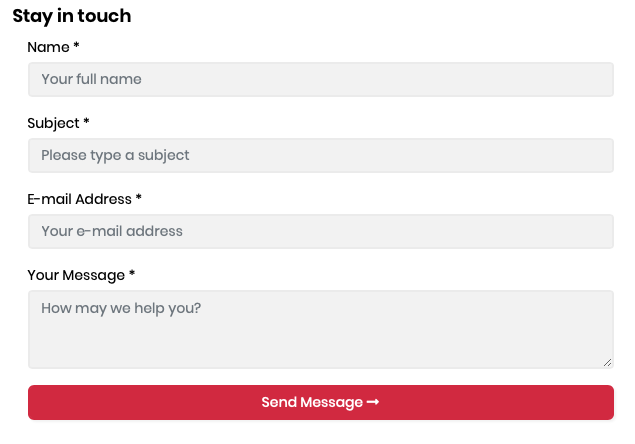
The contact management system provides a contact form widget to create contact forms on the UI:
@await Component.InvokeAsync(typeof(ContactViewComponent), new { })
Here is a screenshot of the widget:
Multiple Contact Widgets
The contact management system allows you to create multiple contact forms with different receivers. You can define a named contact widget as shown below:
@await Component.InvokeAsync(typeof(ContactViewComponent), new
{
    contactName = "Sales"
});
Then, configure the receiver for each name in the ConfigureServices method of your module class:
Configure<CmsKitContactConfigOptions>(options =>
{
    options.AddContact("Sales", "info@sales.com");
    options.AddContact("Training", "info@training.com");
});
The following screenshot shows multiple contact forms on a page:
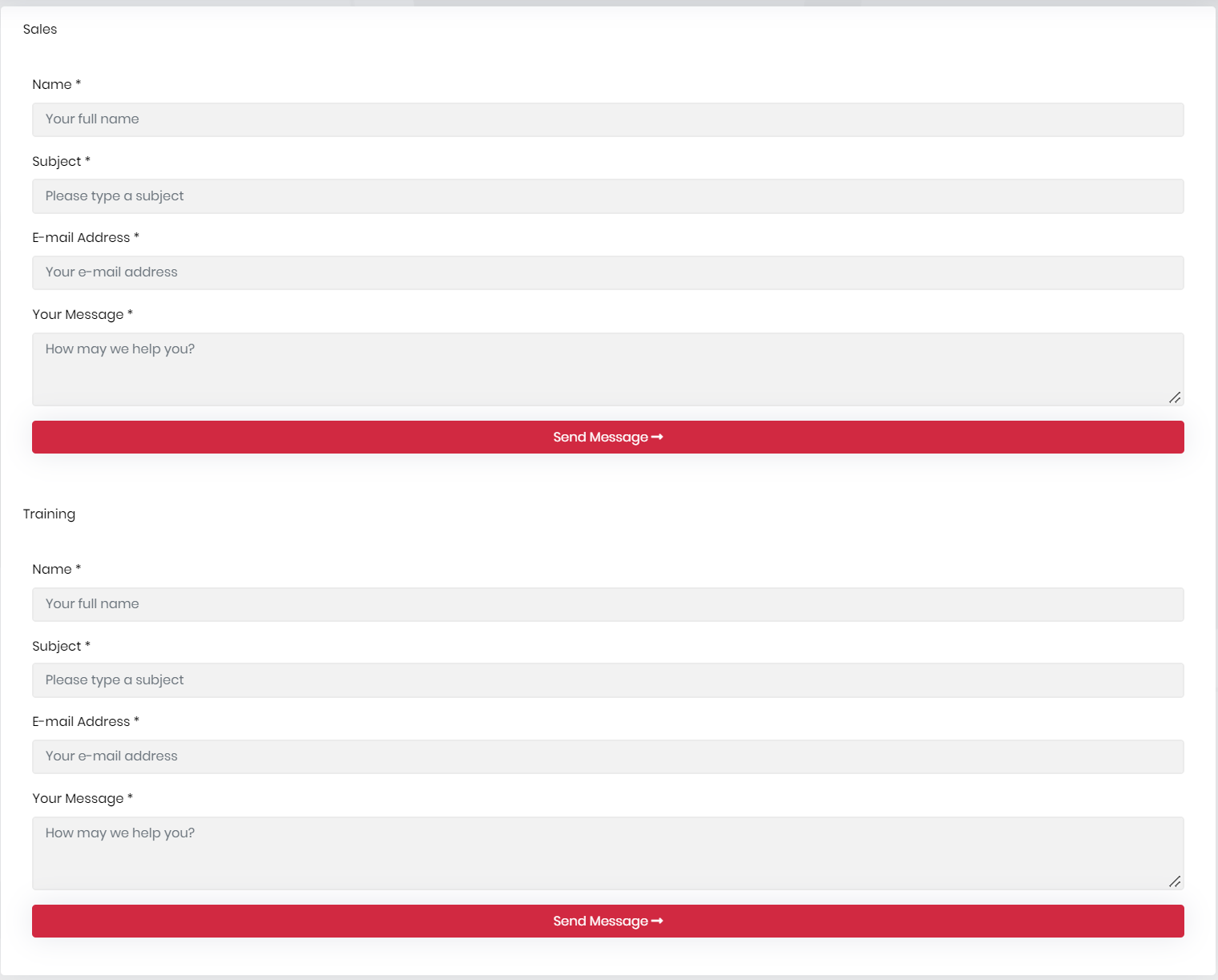
When the submitted contactName matches a configured entry, that entry's receiver is used. Otherwise, the module uses the receiver email address configured on the CMS settings page. The contact name is also prefixed to the email subject when it is not empty.
Options
You can configure CmsKitContactOptions to enable or disable reCAPTCHA for the contact form in the ConfigureServices method of your module.
Example:
Configure<CmsKitContactOptions>(options =>
{
    options.IsRecaptchaEnabled = true;
});
CmsKitContactOptions properties:
IsRecaptchaEnabled(default:false): Enables reCAPTCHA v3 validation for public contact submissions.
If you set IsRecaptchaEnabled to true, also specify SiteKey and SiteSecret for reCAPTCHA. Add the CmsKit:Contact section to your appsettings.json file:
{
    "CmsKit": {
        "Contact": {
            "SiteKey": "your-site-key",
            "SiteSecret": "your-site-secret"
        }
    }
}
Settings
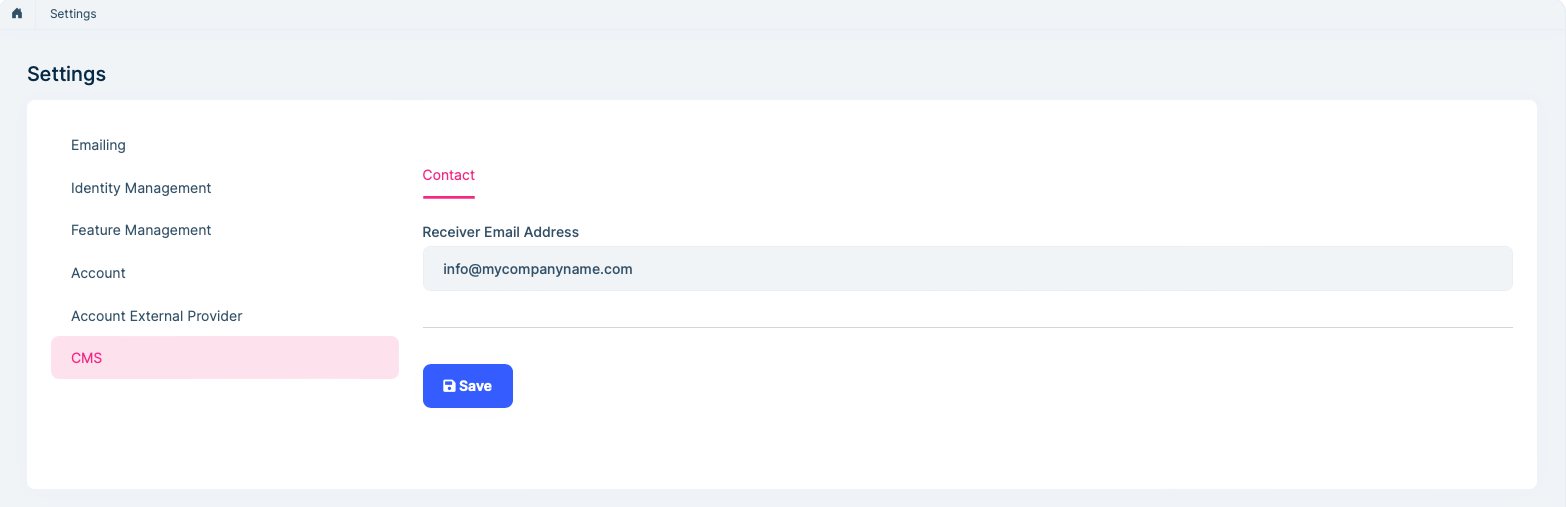
You can configure the fallback receiver email address on the CMS tab of the settings page. This setting is tenant-aware and is used when the form has no matching named receiver. Its default value is info@mycompanyname.com; replace it with an address that belongs to your application before deploying to production.
Internals
ContactEmailSenderis used to send emails to notify the configured receiver when a new contact form entry arrives.



