Import External Users
Introduction
You must have an ABP Team or a higher license to use this module & its features.
The Identity PRO module has built-in LdapExternalLoginProvider and OAuthExternalLoginProvider services. They not only support external login but also import users.
How to import users from an external login provider?
- Click the
Importbutton on theUserspage of the Identity Pro module.
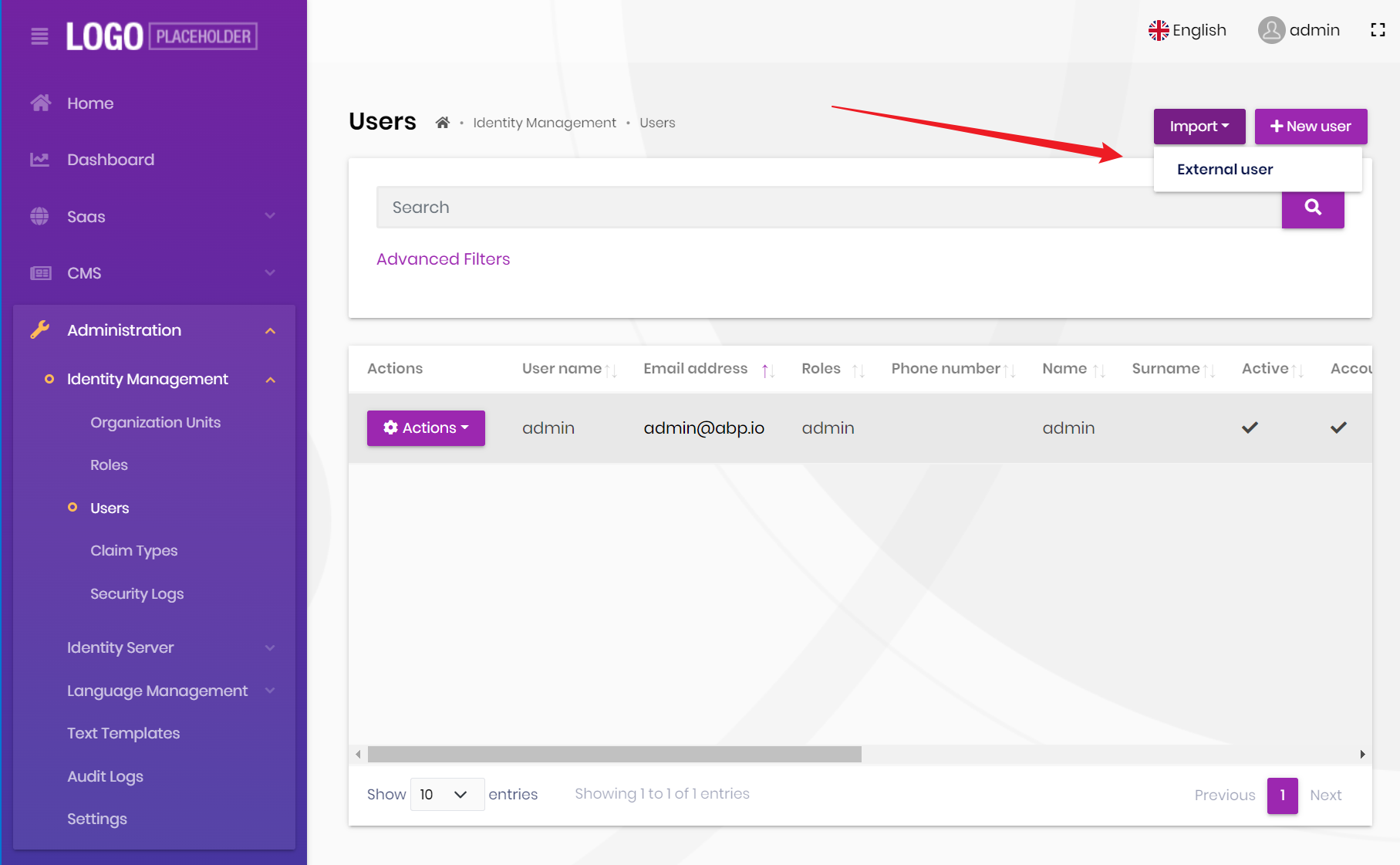
- Select
external login provider
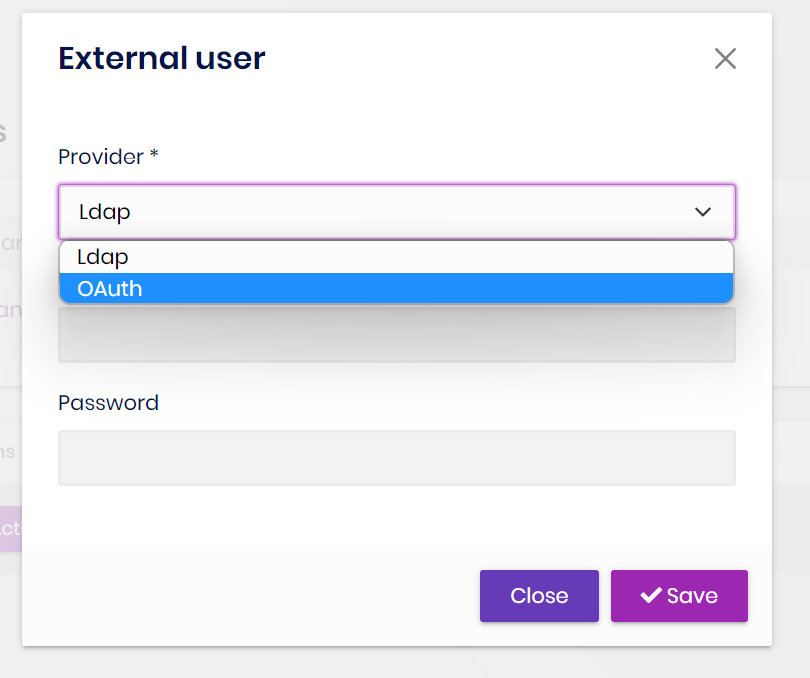
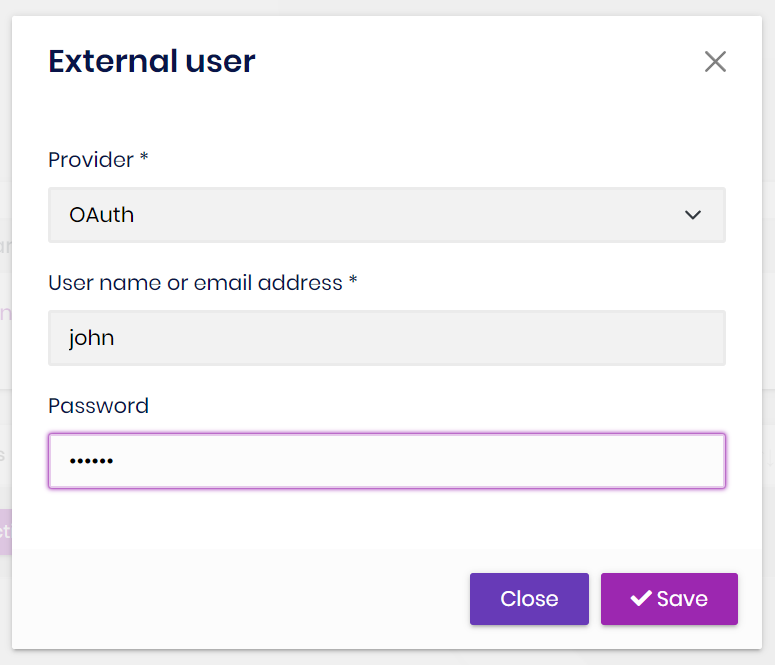
- Enter the correct
usernameandpasswordto complete the import.
Existing User Matching
Before creating an account, the import workflow searches by username and email. If it finds an external user, the selected provider updates that user. If it finds a local user, the import is rejected instead of converting or overwriting the local account.
With Shared User Accounts, this lookup covers the Host and all tenants. A Host-context import therefore cannot create a second identity for a username or email that already belongs to another tenant.