ASP.NET Core MVC / Razor Pages: Branding
IBrandingProvider
IBrandingProvider is a simple interface that is used to show the application name and logo on the layout.
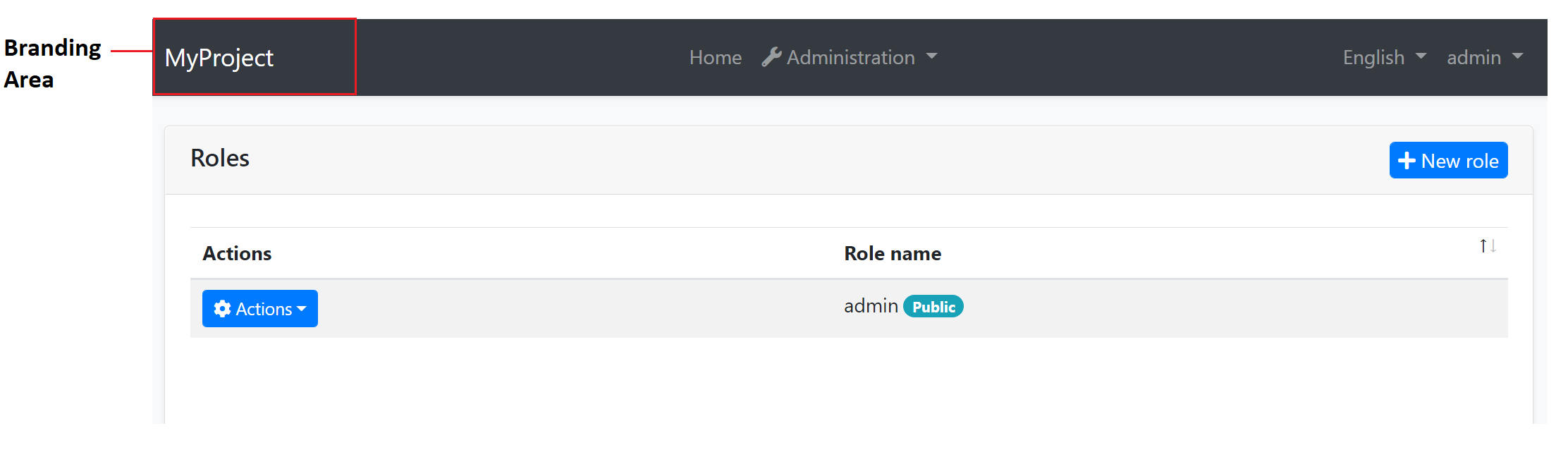
The screenshot below shows MyProject as the application name:
You can implement the IBrandingProvider interface or inherit from the DefaultBrandingProvider to set the application name:
using Volo.Abp.Ui.Branding;
using Volo.Abp.DependencyInjection;

namespace MyProject.Web
{
    [Dependency(ReplaceServices = true)]
    public class MyProjectBrandingProvider : DefaultBrandingProvider
    {
        public override string AppName => "Book Store";

        public override string LogoUrl => "/logo.png";
    }
}
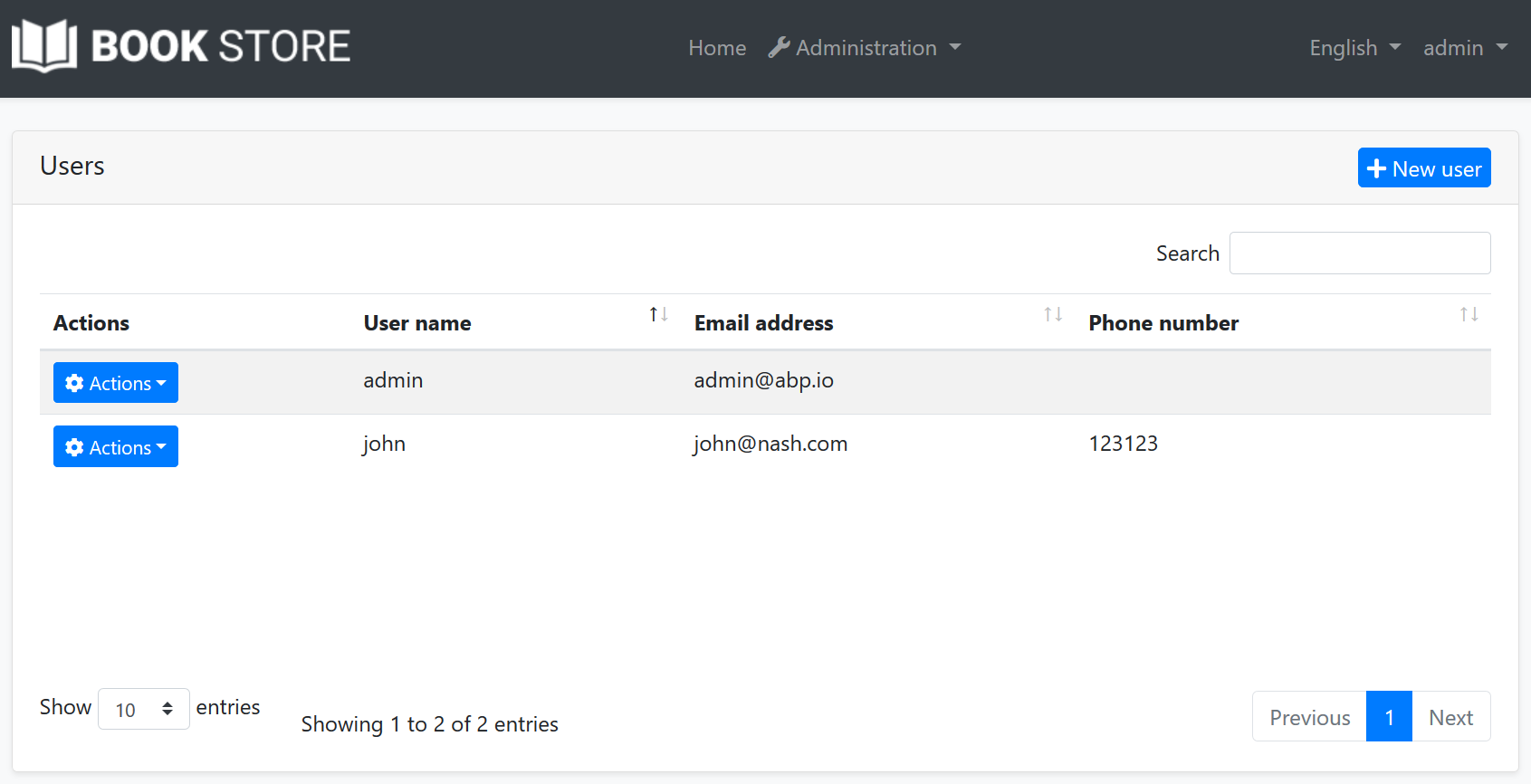
The result will be like shown below:
IBrandingProvider has the following properties:
AppName: The application name.LogoUrl: A URL to show the application logo.LogoReverseUrl: A URL to show the application logo on a reverse color theme (dark, for example).
ABP's built-in MVC themes resolve these URLs for the current request. logo.png, /logo.png and ~/logo.png all mean the same application relative URL and include the PathBase of the request, so they keep working when the application is deployed to a non-root path, like an IIS virtual directory. A URL that already contains the path gets it twice. External URLs are used as they are. LogoReverseUrl is used by the themes that have a dark style, like LeptonX, and falls back to LogoUrl.
A logo that the project defines in its own CSS is not resolved. The LeptonX Lite startup templates set the logo that way, so remove that declaration to deploy them to a non-root path.
To resolve a branding URL in a custom theme or view, use Url.ResolveBrandingUrl(...) with @using Volo.Abp.AspNetCore.Mvc.UI.Theme.Shared.Branding, or Url.ResolveBrandingCssUrl(...) when it is rendered into url('...') in CSS.
Tip:
IBrandingProvideris used in every page refresh. For a multi-tenant application, you can return a tenant specific application name to customize it per tenant.
IBrandingLogoProvider
Some theme areas need a compact logo, like a collapsed menu. To provide one, make the same branding provider implement both IBrandingProvider and IBrandingLogoProvider. DefaultBrandingProvider implements both, so a derived provider only overrides the icon properties:
using Volo.Abp.Ui.Branding;
using Volo.Abp.DependencyInjection;

namespace MyProject.Web
{
    [Dependency(ReplaceServices = true)]
    public class MyProjectBrandingProvider : DefaultBrandingProvider
    {
        public override string AppName => "Book Store";

        public override string LogoUrl => "/logo.png";

        public override string LogoIconUrl => "/logo-icon.png";
    }
}
IBrandingLogoProvider has the following properties:
LogoIconUrl: A URL to show the compact application logo.LogoIconReverseUrl: A URL to show the compact application logo on a reverse color theme.
Both properties return null by default and follow the same URL rules as LogoUrl.
The active theme decides whether and where to use the compact logo. The LeptonX MVC theme enables its compact branding when LogoIconUrl is not empty: it uses the compact logo instead of the full logo in its branding areas and shows AppName next to it where there is room for both. Dark and dim styles use LogoIconReverseUrl and fall back to LogoIconUrl when it is not set. Themes that don't support IBrandingLogoProvider ignore these properties.
The compact logo applies to the ASP.NET Core MVC / Razor Pages themes. The Blazor themes resolve the branding URLs by the same rules, see Blazor UI: Branding.
Overriding the Branding Area
You can see the UI Customization Guide to learn how you can replace the branding area with a custom view component.