Layered Solution: BLOB Storing
Some of the features mentioned in this document may not be available in the free version. We're using the * symbol to indicate that a feature is available in the Team and Higher licenses.
This document explains how to store BLOBs (Binary Large Objects) in a layered solution. It is common to store files, images, videos, and other large objects in a distributed system. You can learn more about BLOB storage in the BLOB Storing System documentation.
In the layered solution template, the Database Provider is used to store BLOBs in the database. The Volo.Abp.BlobStoring.Database.EntityFrameworkCore or Volo.Abp.BlobStoring.Database.MongoDB package provides the necessary implementations to store and retrieve BLOBs in the database. This setup is integrated into the layered solution template and is used in all related projects. You can change the database configuration in the appsettings.json file of the related project.
Provider Selection
The Database Provider is selected by default. In ABP Studio, use the BLOB Storing step to keep database storage, configure the File System Provider, or choose manual configuration for another provider. In the CLI, pass --blob-storage database, --blob-storage file-system, or --blob-storage manual. When using file-system storage, pass --blob-storage-path <path> to set the base path; otherwise, ./BlobStoring is used.
If you choose manual configuration, configure your preferred provider before using BLOB storage. See the BLOB Storing provider documentation for the available providers and their setup requirements.
You can use the IBlobContainer or IBlobContainer<T> service to store and retrieve BLOBs. Here is an example of storing a BLOB:
public class MyService : ITransientDependency
{
    private readonly IBlobContainer _blobContainer;

    public MyService(IBlobContainer blobContainer)
    {
        _blobContainer = blobContainer;
    }

    public async Task SaveBytesAsync(byte[] bytes)
    {
        await _blobContainer.SaveAsync("my-blob-1", bytes);
    }

    public async Task<byte[]> GetBytesAsync()
    {
        return await _blobContainer.GetAllBytesOrNullAsync("my-blob-1");
    }
}
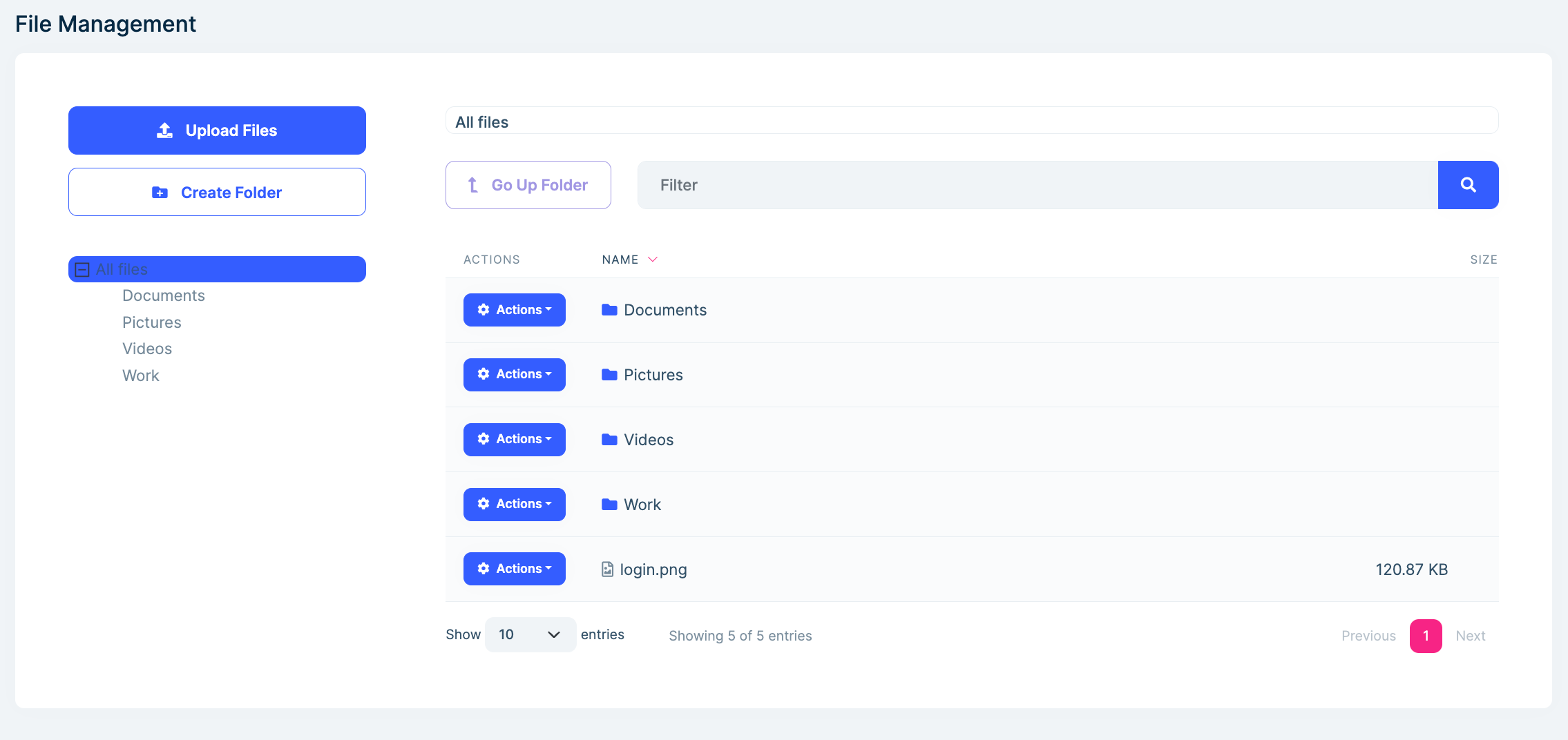
File Management Module
The File Management module is optional and can be added to the solution during the creation process. It provides a user interface to manage folders and files. You can learn more about the module in the File Management * document.